Ever wish you had a quick, practical, creative plan to engage your class right away without losing sight of your learning goals? And without spending hours on prep? Here are seven LEGO Education projects you can use in your next class, with materials, estimated time, and a clear learning objective. Read to the end for common mistakes to avoid and useful links to help you get set up fast.
Why LEGO Education Captivates Students Instantly
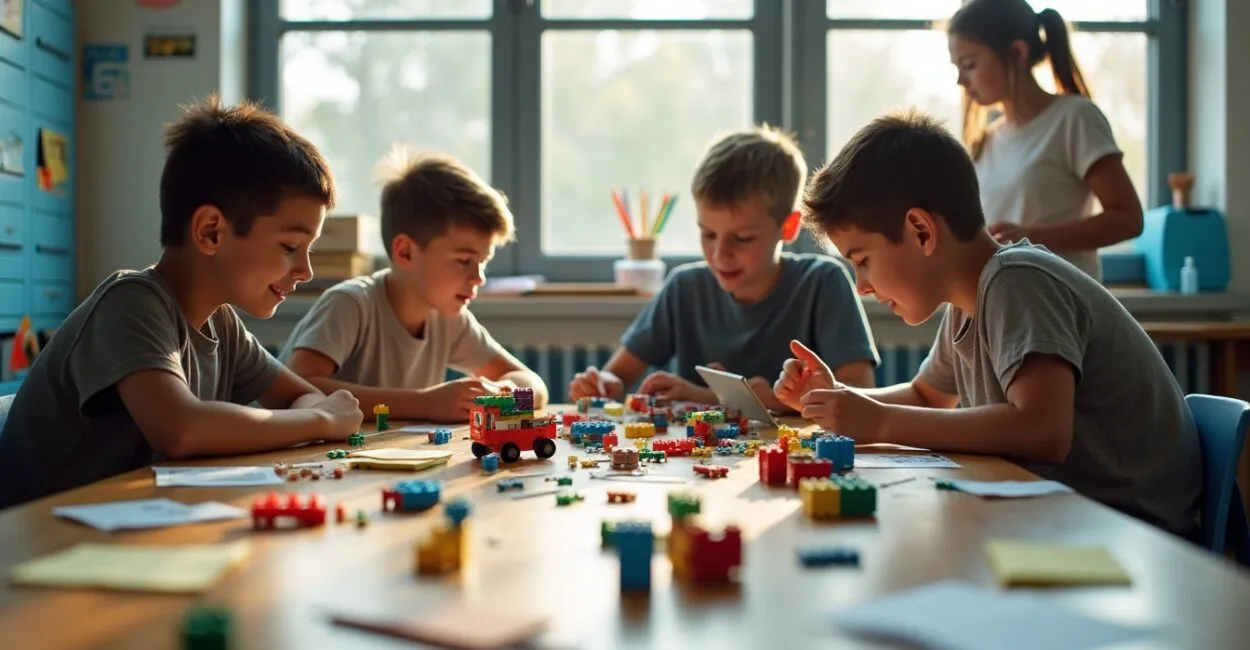
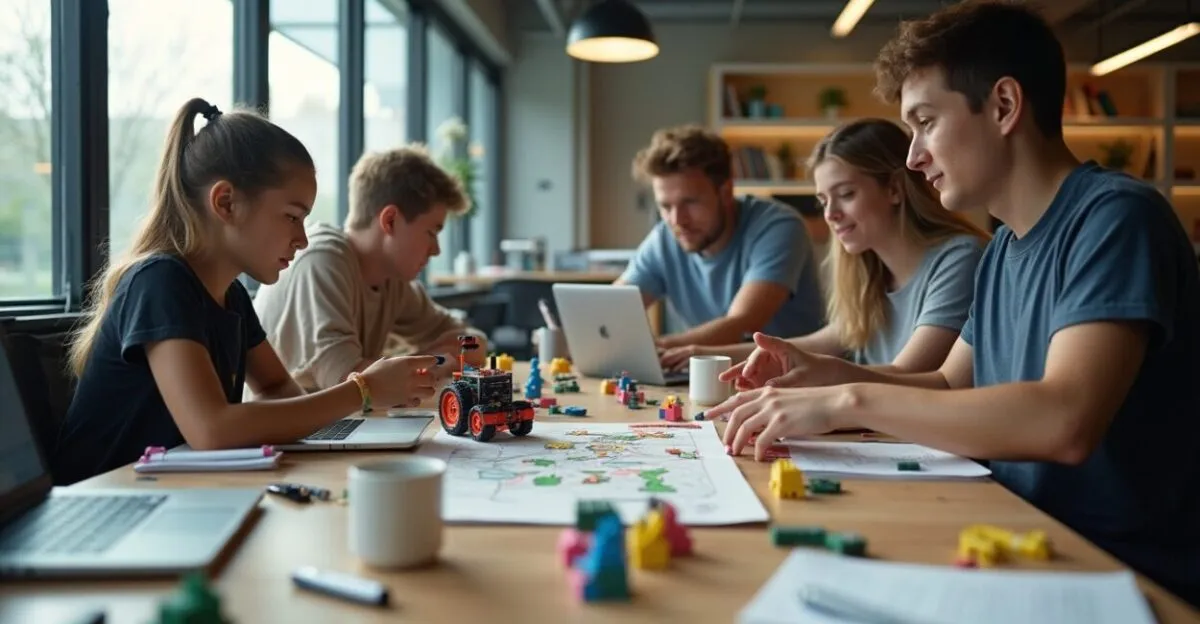
Picture curious students working together and laughing as they learn computational thinking and problem-solving. Here’s the secret: LEGO Education offers ready-to-use, scalable kits that transform theory into hands-on learning in minutes.

How to Set Up the Activity in Under 10 Minutes
Set out basic kits, organize students into teams of four, and explain the challenge aloud. Give them 20 minutes to build and 10 to present. It’s easy to set up, and the learning is easy to see.
- Essential materials: LEGO Education kit, tablets, or a timer
- Total time: 40 minutes
- Objective: logical thinking and teamwork
These supplies mean you won’t have to improvise too much, and your lesson will have a clear pace and purpose.
Bridge-Building Challenge: Build Knowledge That Holds
Ask students to build a bridge that can support a specific weight. It’s a hands-on way to teach basic physics and engineering without relying on a whiteboard and marker.
Materials, Time, and Learning Objective
Use basic LEGO Education sets, small weights such as coins, and a measuring tape. Allow 50 minutes for planning, building, and testing. The objective is to apply concepts of force and tension while practicing real collaboration.
- What to avoid when testing bridges
- Leaving teams without a plan
- Making the competition too intense
Avoiding these mistakes keeps the activity focused on learning and prevents frustration from distracting students from hands-on exploration.
Leia também: Maker Education: 5 Easy Projects to Start Today
Robot Route for Computational Thinking

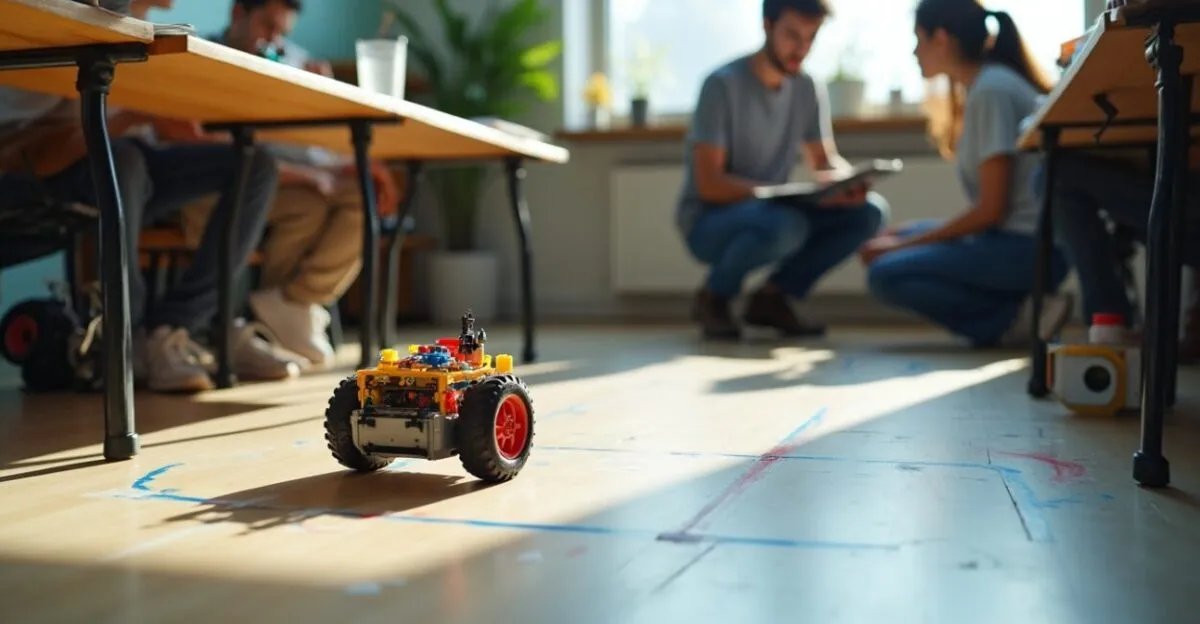
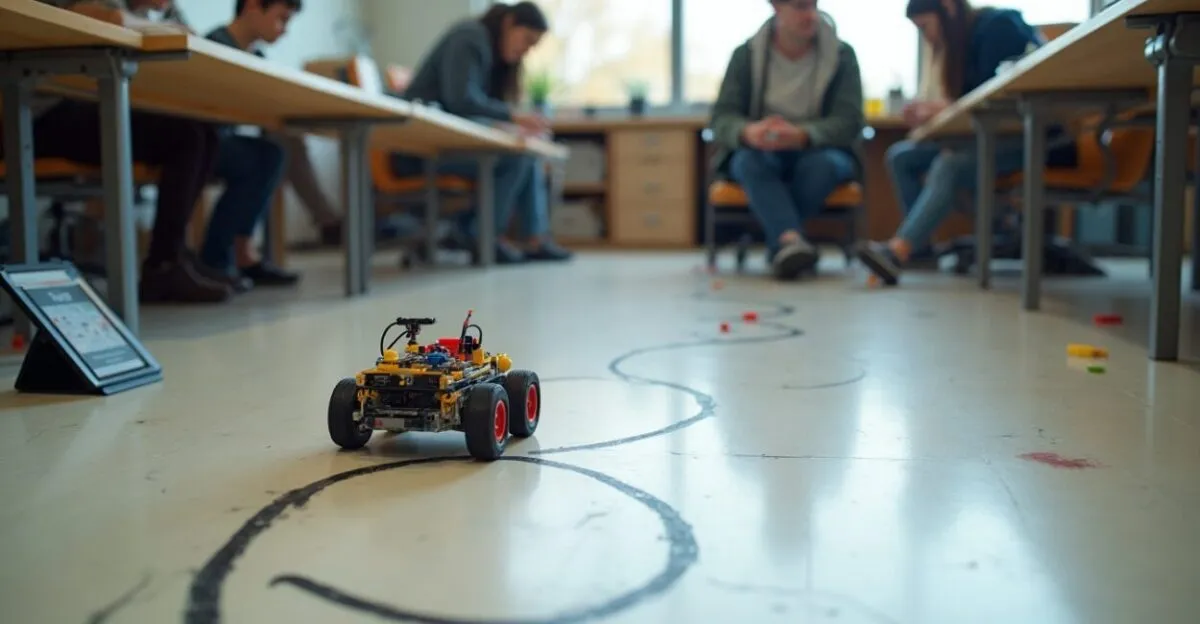
Mark out a path on the floor and have a LEGO Education robot follow it using preprogrammed commands.
A Quick Step-by-Step Guide
Build the robot, set simple commands, and test them one step at a time. This activity emphasizes problem decomposition and group debugging.
Leia também: Educational Toys: 9 Options That Inspire Creativity
- Materials: LEGO Education kit with motors, markers for the route
- Time: 45 minutes
- Objective: introduction to algorithms and logic
This exercise provides quick feedback and is a great starting point for discussing code and different solutions.
Rescue Mission: Sensors and Creativity
Create a rescue scenario where the robot detects obstacles and reaches simulated victims. It’s a way to connect science, technology, and empathy.
LEGO Education in Action with Sensors
Turn on the proximity and color sensors, then ask students to map the robot’s behavior and adjust the program. They’ll learn through iteration and hands-on experimentation. For more in-depth resources, educational portals such as the UK Department for Education and materials from National Geographic can help put the content in context.
| Activity | Duration | Objective |
|---|---|---|
| Bridge | 50 min | Forces and teamwork |
| Robot Route | 45 min | Basic algorithms |
| Rescue Mission | 60 min | Sensors and iteration |
Automated Stories for Language and Sequencing
Use LEGO pieces to represent scenes and program sequences that tell a story. This strengthens narrative skills and sequential logic.
Easy Examples and Variations
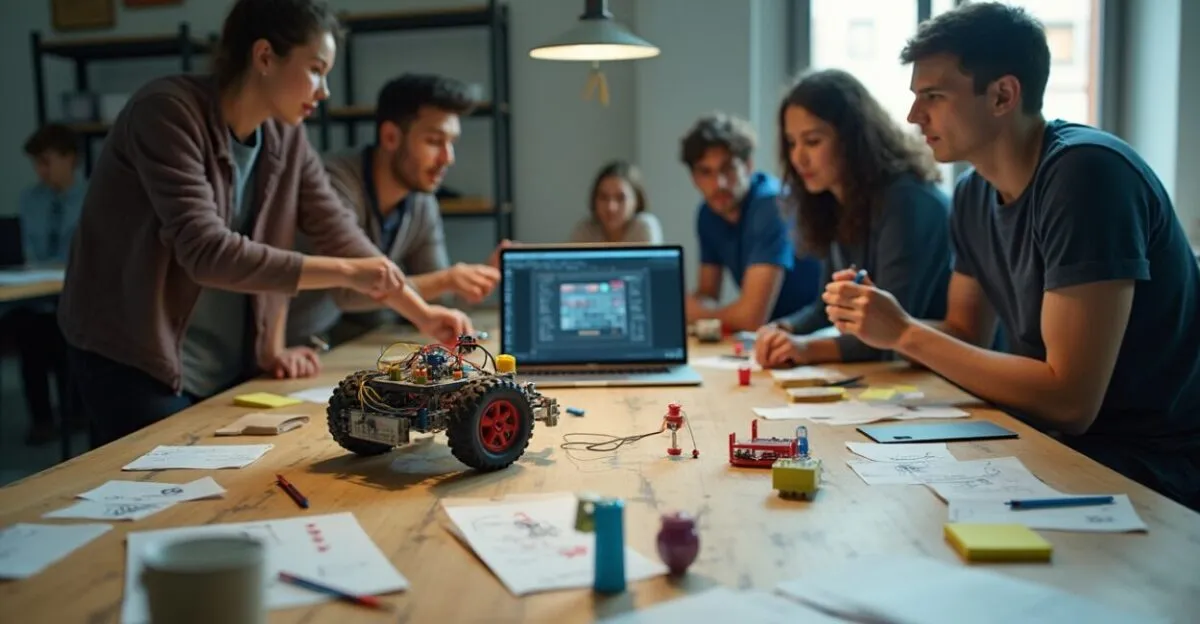
Ask each team to create a short script and program the robot to act it out. The activity takes about 40 minutes. Students practice communication, design, and debugging.
Prototype Workshop: Solve Real-World Problems
Present a problem at your school and let students use LEGO Education to prototype quick solutions.
Assessment and Feedback Tools
Create simple rubrics for technical skills, creativity, and feasibility. Have students give feedback to one another, then repeat the cycle. This encourages metacognitive reflection and continuous improvement.
Solutions Fair: Present and Reflect
Wrap up with an exhibition where each team presents its solution, receives feedback, and documents what it learned. But that’s not all. At the end, ask each student to write down one strength and one area for improvement. This brings the learning cycle to a close. Practical planning resources are available from Brazil’s Ministry of Education, the federal government department responsible for education, and educational science portals. You can also find LEGO Education implementation guides on the company’s official website.
Frequently Asked Questions
Which LEGO Education Kits Are Best for Getting Started Today?
LEGO Education SPIKE Prime and WeDo 2.0 kits are great starting points. SPIKE is designed for older students and features visual programming and motors. WeDo is simple to use with younger students. Start with one kit for each team of four to maximize participation and minimize wait times. Add supplies such as tape and weights to adapt the challenges and keep costs low.
How Can I Assess Learning During LEGO Education Activities?
Use short rubrics focused on collaboration, problem-solving, and applying concepts in practice. Observe the process and ask students to do a quick self-assessment at the end. Collect evidence with photos or videos for portfolios and formative feedback. This makes assessment ongoing and useful for future adjustments.
Do I Need Internet Access to Use LEGO Education in Class?
Not always. Most kits support offline programming through locally installed apps. However, an internet connection can be helpful for additional resources, updates, and sharing. If your school doesn’t have internet access, plan self-contained activities and use tablets with the apps already installed.
How Can I Adapt Projects for Different Ages and Skill Levels?
Scaffold tasks by adding extra challenges for advanced students and easing the requirements for beginners. For mixed-ability groups, assign roles such as programmer, builder, and presenter. This keeps students engaged and ensures everyone contributes at their own level.
What Are the Most Common Mistakes When Using LEGO Education Projects?
Making the competition too intense and skipping the planning phase are common mistakes. It’s also easy to lose sight of the learning objectives when designing a challenge. Avoid leaving students without clear roles, and don’t underestimate the time needed for testing. Set aside time to reflect after the activity and reinforce what students learned.
Artigos Relacionados
 Maker Education: 5 Easy Projects to Start Today
 How the Digital Economy Strengthens School Projects Today
 Whole-Child Education: Strategies for Thriving Today
 Transformative Education: Practices That Change Lives Today
 Project-Based Learning: How to Get Started Today
 2025 Environmental Education Workshops: Hands-On Activities