
You pick up your phone to reply to a message, then realize a few minutes later that you’ve been watching videos without meaning to. To reduce screen time, start by distinguishing necessary use from use that happens on autopilot or crowds out something important. Then make one small change, such as silencing nonessential alerts or protecting a certain time of day, and see whether it improves your routine.
You don’t have to give up your device: work, school, communication, and leisure all serve different purposes. The total number of hours alone doesn’t show whether your screen use is affecting your sleep, focus, or time with others.

A useful plan tracks your habits, chooses a target, and reviews the results without turning every time you check your phone into a reason to feel guilty.
Key takeaways
- Break down screen time by purpose before deciding what to cut back on.
- Track times, apps, and phone unlocks for a few days; one day may not reflect your usual routine.
- Pair your device’s limits with a specific alternative for the moments when you tend to check it.
- Adjust your goal if it conflicts with responsibilities, accessibility needs, or necessary communication.
How to reduce screen time without giving up your phone
Reducing screen time means cutting back on automatic use, interruptions, or activities that compete with something important, without eliminating what you need for work, school, or communication. To get started, track your use for a few days, choose a specific target, change your environment, and see whether the change freed up attention or time for something you value.
Your device’s report shows how long and how often you use it, but it can’t interpret what each activity means. A work call and a string of boredom-driven checks can take about the same amount of time but have very different effects. The useful question is: which kind of use competes with something that matters to me? This distinction also helps you avoid cutting out a tool you need. If your phone is part of your work or school routine, track that time separately before setting a leisure-time goal.
Find out where your screen time is going
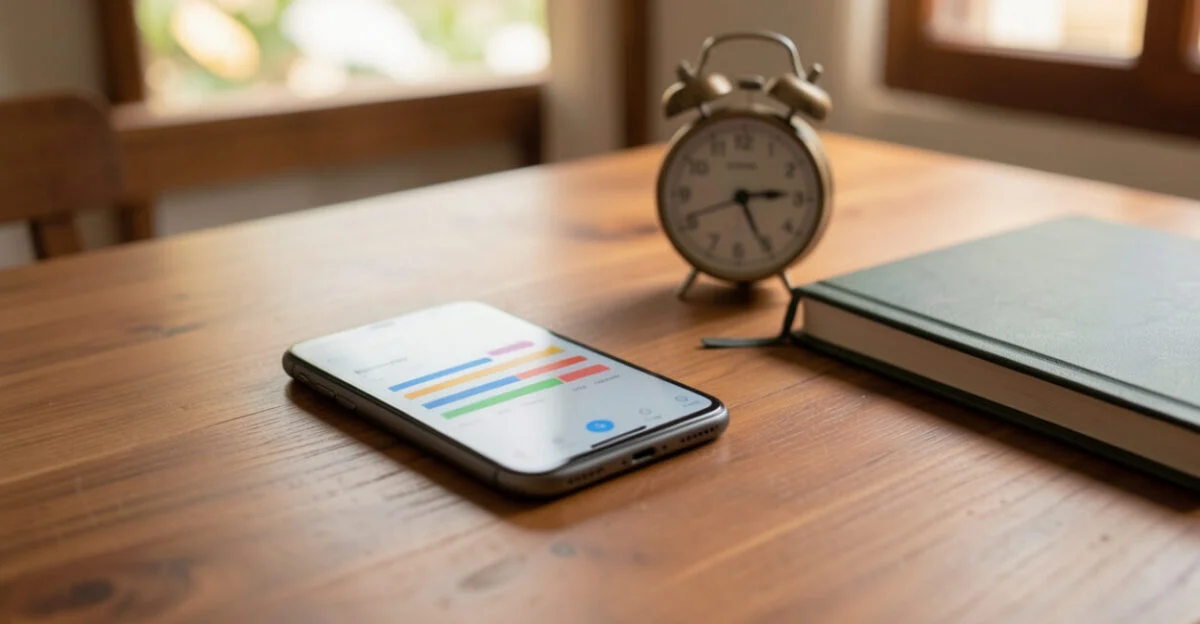
Check your device’s built-in report and look at which apps you use, when you use them, and how often you unlock your screen. On an iPhone, look for “Screen Time” in Settings; on Android, search for “Digital Wellbeing & parental controls.” Names and paths may vary by device model and operating system version.
Review the data over several days instead of treating an unusual day as representative of your routine. If one app accounts for a lot of your screen time, ask yourself what you were doing in it and whether you chose to use it or opened it in response to a notification, while waiting, or out of boredom.
Situation or type of use Purpose Possible adjustment Work or school Necessary Track this time separately from leisure and protect blocks of focused time. Messages and calls Necessary or wanted Keep important alerts on and batch checks when doing so won’t affect anyone. Chosen leisure Wanted Keep what you enjoy and set a stopping point if that makes sense. Checking out of boredom or because of a notification Automatic Reduce alerts and choose an alternative for breaks or waiting.
Identify what triggers automatic use
A trigger is a situation that starts a habit, such as a notification, a line, anxiety about a reply, or the break between tasks. For a few days, note what was happening before you picked up your phone, why you think you did it, and how you felt afterward. The purpose is to identify patterns, not judge your choices.
If you reach for your phone whenever a task feels difficult, breaking the task into shorter steps may help. Find more suggestions on the causes of procrastination and ways to deal with it. For breaks, choose something that fits the moment, such as getting a glass of water or doing a brief activity away from a screen.
Choose a realistic goal and set limits

There’s no daily screen-time total that’s right for everyone. Choose a specific adjustment based on your patterns: cut back on checking a particular app, for example, or protect a period when you want to study, rest, or talk without interruptions. A device limit can remind you of your intention, but it doesn’t decide what you’ll do when the alert appears.
Your phone’s built-in features may include app limits, timers, and focus modes. Look for the screen-time or digital-wellbeing settings on your device; their location and functionality vary across systems and versions. Since some alerts can be postponed or ignored, pair the limit with an action you’ve decided on in advance.
Goal Possible adjustment How to tell if it helped Fewer interruptions Silence nonessential notifications. See whether you can finish tasks with fewer unplanned breaks. Fewer automatic checks Set times to check messages, if that works with your responsibilities. Check whether you’re unlocking your phone less often without a clear purpose. Protect part of your nighttime routine Turn on a focus mode or keep your device out of reach. See whether you check your phone less during the time you set aside. Focus on a task Use a focus mode and put your device away during a work or study block. Notice whether you make progress without phone-related interruptions.
Read also: How to Start Reading More and Stick With It
A common mistake is blocking an app without preparing an alternative for the break it used to fill. The restriction may simply shift the habit to another platform. If you tend to open videos while waiting, keep a book or crossword puzzle handy; if you use your phone to avoid a task, start with one short step.
Start with a goal that fits your routine and adjust it after you see how it affects you. Don’t use an overall reduction as your measure of success if it cuts out necessary use or makes it harder to stay in touch with people you need to reach.
Leia também: Never Lie Book Review

Reduce interruptions and make it easier to choose not to use your phone
Turn off notifications that don’t need an immediate response and keep alerts on for important responsibilities or people. Move tempting apps off your home screen; during focused periods, log out or keep your device out of reach to make it less likely you’ll unlock it on reflex.
A quick check of a message can lead to other actions: opening an alert, scrolling through social media, and forgetting why you picked up your phone in the first place. If this happens often, decide when you’ll check your messages. This strategy only works if it fits your work, school, caregiving, and communication needs.
A limit works best when it reduces interruptions and makes it clear what to do instead.
To create a study routine with fewer distractions, take another look at your environment and the settings that can make it more conducive to focus. If you want to turn a break into an offline activity, choose something easy to start that doesn’t require a lot of preparation.

Create screen-free periods to protect sleep and time with others
Choose times or places where you can put your phone aside without compromising important needs. A small, predictable change is usually easier to maintain than a broad ban. Cutting back on phone use near bedtime may help protect your nighttime routine, but it doesn’t guarantee better sleep: your schedule, environment, and other factors matter too.
- Meals: Keep your device away from the table, if that works for everyone with you.
- Conversations: Silence alerts during a get-together or an important conversation.
- Focused tasks: Put your phone away for the time you’ve set aside for an activity.
- Nighttime routine: Replace some scrolling with reading, conversation, or getting ready for the next day.
The American Academy of Sleep Medicine offers guidance on sleep habits. If you use your phone as an alarm or need it for safety, you don’t have to make it inaccessible: try turning on focus mode or silencing only the alerts that can wait.
How can you adapt screen limits for children and teens?
Screen limits for children and teens depend on age, content, family context, and the effects on sleep, movement, learning, and time together. The American Academy of Pediatrics offers a family media plan to help caregivers discuss rules that make sense for their family. For children under five, the guidelines from the World Health Organization address sedentary behavior, physical activity, and sleep.
The 3-6-9-12 rule is a widely shared proposal for discussing stages of screen introduction, not an official standard or scientific consensus. Don’t rely on an age-based chart you find online instead of pediatric guidance: recommendations can vary by organization and by a child’s needs.

Match limits to their purpose and review your plan
An overall goal can hide important differences: hours spent studying, a video call with family, chosen leisure, and automatic checking don’t serve the same purpose. After trying a change, see whether it gave you more time or attention for something you value. If it didn’t work, identify the obstacle and change one thing at a time.
- What kind of use do I want to reduce?
- When does it usually happen?
- What change will I try?
- How long will I track the results?
- What will tell me things are improving?
- What will I adjust if the attempt doesn’t work?
This process can also build self-awareness and help you notice your own habits. If the change causes significant distress or doesn’t resolve an ongoing disruption to your routine, talk with a healthcare professional.
Today, choose one app or time of day you’d like to change. Track your current pattern, try a change that fits your responsibilities, and see whether it helped; if it didn’t, adjust your plan without treating it as a failure.
Frequently asked questions
Is seven hours of screen time a day too much?
The number alone isn’t enough to tell. Seven hours might include work, school, communication, and leisure; consider how much of that time is automatic and whether it interferes with sleep, focus, movement, or time with others.
What is the 3-6-9-12 rule for screen use?
It’s a widely shared proposal for guiding conversations about screens by age, not a universal official recommendation. Guidance varies among organizations and depends on the child’s development, the content, and their routine.
How can I reduce screen time without giving up my phone?
Separate necessary use from the use you want to cut back on, then choose a specific adjustment, such as silencing nonessential alerts or putting your device away while you work on a task. Keep essential features available for work, school, accessibility, and communication.
Artigos Relacionados
 AI Customer Service Chatbots: How to Reduce Response Times
 Event Digital Checklists: How to Create, Automate, and Monitor Tasks in Real Time for Operations Teams and Production Coordinators
 How to Set Healthy Boundaries at Work and in Life
 Personal Mentoring: 4 Signs It’s Time to Start
 Digital Influencer: The Complete Guide to Building a Successful Online Career
 Grain Storage: How to Reduce Farm Losses