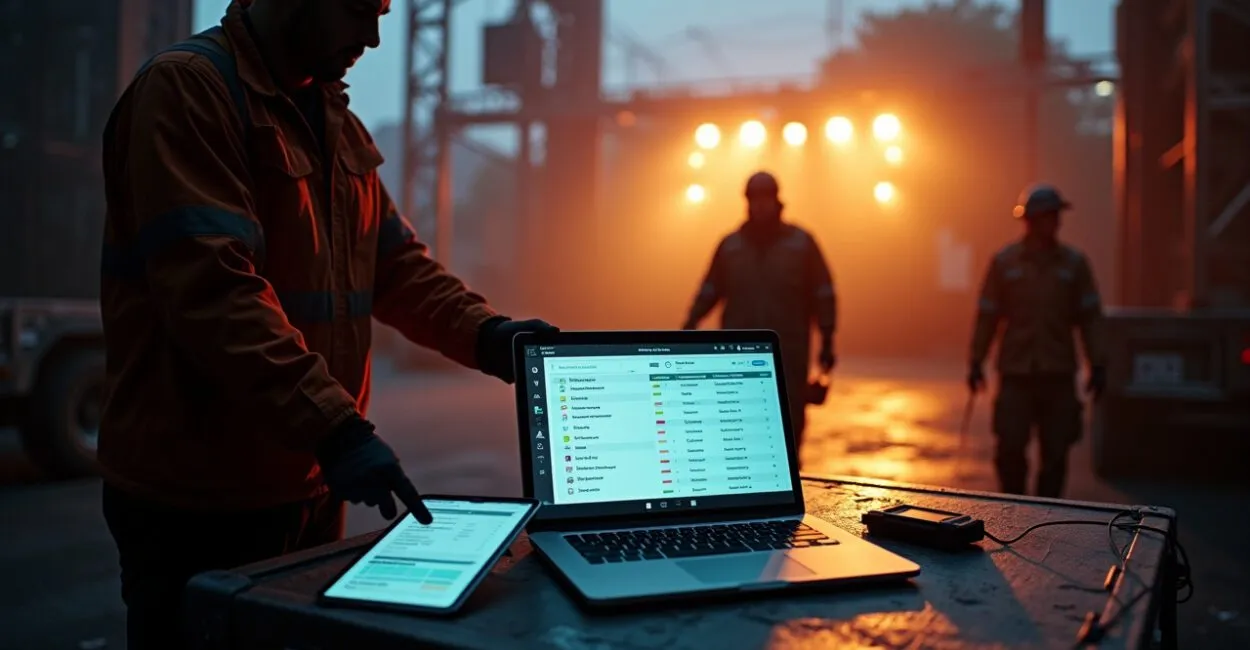
It’s a set of tasks organized electronically to assign responsibilities, send notifications, and track operational progress in real time. Instead of paper lists, it uses workflows integrated with apps or platforms that sync teams, log evidence, and generate actionable data for production coordinators.
This matters because events depend on precise coordination among vendors, technical production, and operations staff. A failure on a single task—from setting up the stage to securing a required permit—can lead to added costs, dissatisfaction, and legal risks.

A digital checklist improves predictability, reduces duplication, and creates verifiable accountability trails.
Key Takeaways
- An event digital checklist centralizes tasks, assignments, and deadlines, reducing missed tasks and rework.
- Automated assignments and instant notifications speed up responses and keep schedules on track in real time.
- Metrics captured by the checklist (completion time, blockers, and owners) inform decisions and support accurate post-event analysis.
- Integrations with CRM, systems for access control, and ERP make the checklist part of the operational workflow—not a standalone document.
Why Clear Assignments Determine the Success of an Event Digital Checklist
The key advantage of an event digital checklist is clear ownership. When every task has a clearly assigned owner, deadline, and acceptance criterion, the likelihood of errors drops significantly.
Vague assignments lead to duplicated efforts and gaps in accountability. Systems that support automatic reassignment and escalation prevent work from stalling when someone is unavailable.
Defining Roles and Responsibilities
Map out roles before the event: production coordinator, sound technician, logistics, security, cleaning, and vendors. Define standard tasks and acceptance criteria for each role. Use reusable templates for similar events. This cuts setup time and standardizes operational quality.
Automatic Escalation and SLAs
Set escalation rules: if a task isn’t completed within the SLA, the system notifies the next person responsible. Short SLAs for critical tasks (e.g., a sound check) and longer ones for administrative activities balance operational urgency without creating excessive noise.
How to Structure an Event Digital Checklist: Tasks, Dependencies, and Criteria
A good structure has three layers: tasks, dependencies, and acceptance criteria. Tasks describe what to do. Dependencies define the sequence and blockers. Acceptance criteria explain how to verify completion. This structure prevents work from starting too early or before prerequisites are met.
Task Lists and Granularity
Break large deliverables into actionable steps. “Stage setup” becomes items like “install the structure,” “secure the flooring,” and “connect the lighting.” Too much detail creates noise; too little can hide risks. Adjust the level of detail to the event’s complexity.
Dependencies and Critical Paths
Identify critical paths that could delay showtime or a session. Mark these tasks as high priority and enable stronger alerts. Use conditional dependencies to prevent tasks from being done out of sequence—for example, blocking tests with an audience present until the safety check is complete.

Practical Automation: Essential Assignments, Notifications, and Integrations

Automation turns a checklist into an execution engine. Automatically assigning tasks based on skills and availability speeds up operations. Push notifications, SMS, and email help ensure messages reach the right people. Integrations with calendars, payment systems, and access control unify workflows.
Assignment Rules and Workflows
Set up rules such as: “audio tasks → available sound technician; if busy, escalate to assistant.” Availability-based rules reduce delays. Modern tools can filter by certification, required equipment, and distance within the venue.
Notifications, Workflows, and Checkpoints
Notifications should prompt action: include an “accept task” button and a status field. Schedule automatic checkpoints (e.g., two hours before and 30 minutes before) that require confirmation. This creates an audit trail and proof of completion, which is useful for audits or incident resolution.
Real-Time Tracking and Dashboards That Actually Help Coordinators
Real-time data turns tracking into management. Dashboards showing completion rates, overdue tasks, owners, and average task times enable quick decisions. Simple, visual metrics are more useful than dense reports during a crisis.
Essential Metrics and Actionable Alerts
Track the percentage of completed tasks, tasks more than X minutes overdue, owners who are offline, and open critical tickets. Set alerts that prompt quick meetings or reassignment. Metrics should be filterable by area, vendor, and shift.
Evidence Logging and Traceability
Capture photos, signed checklists, and automatic timestamps. These records help prevent disputes and support post-event analysis. Store evidence by event and task, with the ability to export it for reports or contracts.
Common Mistakes When Building an Event Digital Checklist and How to Avoid Them
Common mistakes include overloading the checklist, failing to define acceptance criteria, and poor integration with existing systems. Each mistake adds work or undermines trust in the tool. The solution is to standardize, test on a small scale, and iterate based on team feedback.
Avoid Bloated, Irrelevant Checklists
Long lists discourage use. Prioritize the 20% of tasks that account for 80% of operational risk. Separate “critical” and “optional” sections, and keep the checklist lean enough to use during the event.
Test in the Field and Iterate Based on Data
Run dry runs and pilot events. Collect actual completion times and team feedback. Adjust SLAs, dependencies, and communications. Field testing helps prevent surprises at larger events.
Comparing Tools and Selection Criteria (A Practical Table)
Choosing the right tool depends on integrations, ease of use, offline controls, and cost. The table below summarizes key features for comparing event digital checklist platforms.
| Criterion | Basic platforms | Enterprise platforms |
|---|---|---|
| Integration | Basic APIs, calendar | Full APIs, ERP, CRM, access control |
| Automation | Limited rules | Escalation, conditional workflows |
| Offline | Limited functionality | Reliable synchronization |
| Price | Affordable subscription | License + implementation |
For mid-sized events, prioritize a platform with strong offline capabilities and APIs. Large production companies should invest in integrations with ERP systems and global vendors.
Next Steps for Implementation
Start with a pilot: choose a low-complexity event, define roles, and create a lean checklist with 15–30 critical items. Integrate notifications and log evidence. Measure completion rates and task times; adjust escalation rules after two iterations.
After the pilot, scale by event type (concerts, conferences, trade shows). Create digital playbooks for each type of event and train teams through hands-on practice. Investing in data and processes reduces documented operational incidents by an average of 30–50%, based on post-event reviews of similar events.
How to Apply These Insights at Your Next Event
Prioritize clarity: assign owners and define criteria for each task. Map critical dependencies. Choose a tool that supports automation and offline use. Test in the field and learn from the data. These steps turn an event digital checklist into an operational advantage, not just a compliance document.
Useful Resources
Further reading and references: – Local event safety manuals and legal requirements (check municipal portals or gov.br, Brazil’s federal government portal); – Studies on project management and event operations from universities and technical centers (FGV, the Getulio Vargas Foundation); – International best practices in event management (professional association standards and academic publications).
Frequently Asked Questions
What Is the Average Return on Digitizing Event Checklists?
Digitizing checklists tends to reduce operational errors and rework. In field analyses of mid-sized events, teams report 25% to 40% fewer missed tasks and up to a 30% reduction in incident resolution time. The return comes from lower operating costs, reduced contractual risk, and a better attendee experience. Measuring the benefits requires before-and-after data, especially task time and the number of incidents per event.
Which Integrations Are Most Important for an Effective Digital Checklist?
The highest-priority integrations are calendars (to sync schedules), access control systems (to grant access to areas as tasks are completed), communication tools (SMS, push, email), and financial systems to verify vendor payments. ERP/CRM integrations help link contracts and vendor history. Prioritize integrations that reduce manual work and improve traceability.
How Can You Get the Team to Use the Digital Checklist?
Adoption depends on usability and perceived value. Start with hands-on training and a short pilot. Set up actionable notifications and minimize the number of clicks needed to accept tasks. Involve operations leaders in designing workflows. Emphasize that the tool improves communication, provides legal protection, and reduces rework. Quick feedback and adjustments help increase adoption.
What Should You Do at Venues Without Internet Coverage?
Choose a platform with an offline mode that lets users complete tasks, attach photos, and sync when a connection is available. Set up checkpoints that don’t rely solely on push notifications. Plan synchronization points with local hotspots and make sure owners know how to force a sync. Field testing in advance is essential to validate offline performance.
How Do You Measure Success and Improve the Checklist Between Events?
Define KPIs: the percentage of tasks completed on time, average task time, number of escalations, and incidents per event. After each event, review the results with stakeholders and adjust SLAs, dependencies, and acceptance criteria. Use historical data to build predictive models for staffing and timing. Continuous iteration turns the checklist into a strategic asset.
Artigos Relacionados
 Event Task Management: An Integrated System for Planning, Assigning Responsibilities, and Delivering on Time
 Event Digital Checklists: How to Create, Automate, and Monitor Tasks in Real Time for Operations Teams and Production Coordinators
 In-Person Event Checklist: 30 Essential Logistics, Equipment, and Safety Items for Smooth, Well-Run Presentations
 Event and Conference Planning: Timelines, Checklists, and Techniques for Successful Corporate Events
 Corporate Event Badge Templates: 12 Layout, Color, and Font Ideas to Improve Identification and Networking