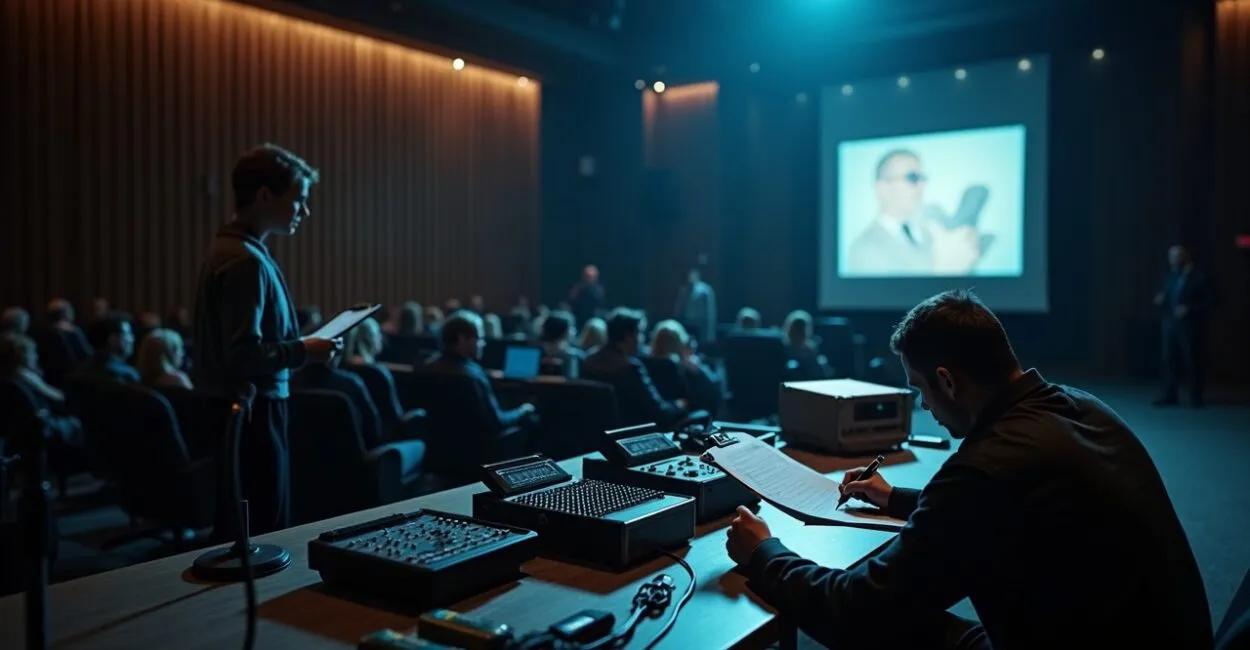
A microphone fails 10 minutes before the speaker takes the stage. The lights go out. A projector refuses to display the final slide. If this has happened to you, you know the cost: a distracted audience, damaged credibility, and hours of work down the drain. This essential in-person event checklist is designed to keep that from happening—with 30 practical items covering logistics, equipment, safety, and technical backups. Read it quickly. Put it to use even faster.
Before the Event: A Plan to Prevent Panic
Planning is prevention. Before you buy or book anything, map out the venue, the flow of people, and the entrance and exit routes. The essential in-person event checklist starts here: 1) confirm the date in a contract; 2) get a floor plan; 3) check capacity; 4) identify emergency exits; 5) locate power outlets. With these five items in place, you can avoid logistical surprises and have a solid foundation for negotiating with vendors.

Stage Equipment: What You Can’t Do Without
A stage without sound is just a stage. Invest in the professional basics and backup equipment. Here are six essential items for your in-person event checklist: 6) sound system (speakers and mixer); 7) wireless and lavalier microphones; 8) projector or LED screen; 9) spare cables; 10) adapters and extension cords; 11) basic stage lighting. Test every piece of equipment 24 hours beforehand. If the sound is bad, no one remembers the agenda—only the annoyance.
Technical Backups: Plan B Strategies That Save Presentations

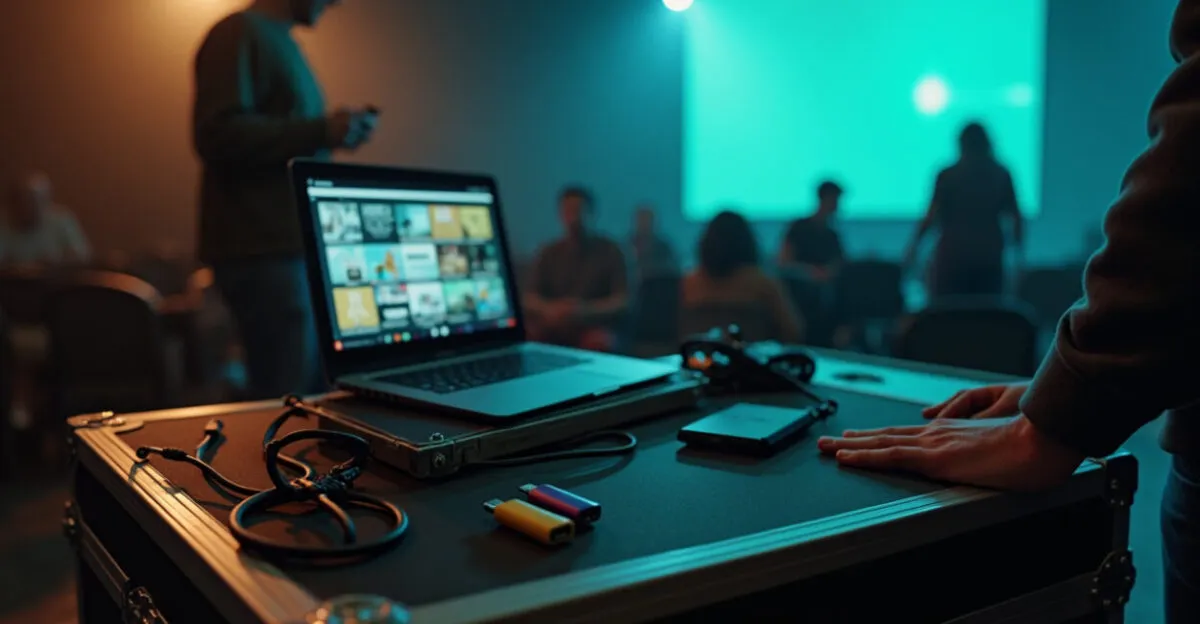
Plan B strategies save reputations. A good event has more alternatives than potential problems. Our essential in-person event checklist includes: 12) a backup laptop with the slides; 13) USB drives with copies of the files; 14) a mobile Wi-Fi hotspot; 15) a portable power supply (UPS); 16) extra HDMI and DisplayPort cables; 17) contact information for an on-call technician. The difference is striking: expectation = “one cable will do”; reality = “multiple cables saved three presentations.” Have both equipment and people ready as backups.
Operations and Staff: Roles That Run Like Clockwork
A well-coordinated team creates a calm atmosphere. Assign responsibilities and train people quickly. The essential in-person event checklist includes: 18) an event manager; 19) an audio lead; 20) a projection lead; 21) a check-in team; 22) speaker support; 23) audience safety. Hold a 15-minute briefing with everyone before doors open. A common mistake is delegating everything without checking in—the result is slow decisions and costly improvisation.
Safety and Compliance: Don’t Skip These Steps
Safety is part of the attendee experience—and a legal requirement. Don’t overlook emergency exits, fire safety teams, or permits. The essential in-person event checklist includes: 24) an AVCB (Fire Department inspection certificate) or operating permit; 25) marked evacuation routes; 26) a first-aid kit; 27) staff trained in evacuation procedures; 28) event insurance, when applicable; 29) capacity control; 30) a posted risk map. According to the Fire Department, venues without proper signage are more likely to be shut down—don’t put your event at risk.
Communication with Speakers and Attendees: Silence Comes at a Cost
Poor communication creates a domino effect. Send clear instructions by email and phone. Include times, arrival details, speaking time, and contact information. On the day, keep a channel open (WhatsApp or radio). The essential in-person event checklist calls for an active link between the team and the speakers. One small detail can make a big difference: telling speakers where to leave their materials and when to arrive backstage prevents last-minute scrambling and small delays that may seem minor but affect the audience’s experience.
What to Avoid: Mistakes That Keep Coming Back
If I had to name three mistakes I see at every event, they would be relying too heavily on a single vendor, skipping the full run-through, and underestimating setup time. Avoid these mistakes. Here’s what not to do on your essential in-person event checklist:
- Don’t have only one microphone available.
- Don’t sign a contract without confirming the electrical setup.
- Don’t forget to have an extra technician on hand for unexpected problems.
Looking for reliable references on regulations and safety? According to the Brazilian federal government, permits and authorizations are mandatory in many locations. Technical research also shows that technical redundancy can reduce event failures by up to 70%. Use this information to make your case to vendors and sponsors.
If you remember just one thing from this guide, let it be this: prepare for more scenarios than you think you’ll need to. The extra care you take today builds trust and a strong reputation tomorrow.
How Do I Put Together a Quick Checklist for a Small Event?
For a small event, focus on the essentials: a venue with the required permit, working sound, a backup microphone, a projector, reliable power, and a designated technician. Create a venue map and a streamlined schedule of activities. Clearly communicate the schedule to speakers and keep a channel open for emergencies. Test the equipment 60–90 minutes beforehand. Assign essential tasks (check-in, sound, and projection) to people with clear instructions. This covers the most common problems without creating excessive red tape.
How Many Technicians Should I Hire for a Seminar with Three Speakers?
For three speakers, ideally you’ll have at least one audio technician and one projection technician, plus a third person as a floater. The audio technician handles mixing and microphones; the projection technician manages laptops and cables; the floater handles quick changes and unexpected issues. Having an extra technician helps prevent long pauses between presentations. If your budget is tight, work with freelancers who know the venue; familiarity reduces errors and speeds up fine-tuning.
Which Documents and Permits Are Essential to Avoid Having an Event Shut Down?
Essential documents include a municipal permit, an AVCB (Fire Department inspection certificate, when required), liability insurance, and any venue-specific licenses. Also, keep records of vendors and contracts, including proof of equipment and staffing arrangements. Have physical and digital copies available on the day. Checking local requirements ahead of time prevents last-minute surprises. If in doubt, contact the municipal agency responsible for events and public safety; taking action early is always cheaper than scrambling to address an inspection at the last minute.
How Do I Put Together an Effective Technical Emergency Kit?
An effective technical kit includes extra HDMI and VGA cables, adapters (USB-C, DisplayPort), electrical tape, a power strip, an extension cord, USB drives with backup slides, spare microphone batteries, phone chargers, and basic tools. Keep everything in a labeled case and assign it to a responsible technician. Test the items before the event and check compatibility with the speakers’ equipment. This kit cuts response times and prevents amateurish improvisation from disrupting the experience.
What’s the Best Way to Communicate Last-Minute Changes to Attendees?
Maintain a direct channel with attendees, such as email, text messages, or a WhatsApp broadcast list. For last-minute changes, send a short message with the essentials: the reason, what’s changing, and clear instructions (for example, use an alternate entrance or follow the revised schedule). At the venue, use visible signage and staff to guide attendees. Transparent communication reduces frustration and confusion. Combine advance messages with on-site directions to make sure everyone receives the update quickly and calmly.
Artigos Relacionados
 Event and Conference Planning: Timelines, Checklists, and Techniques for Successful Corporate Events
 The Essay Checklist: Essential Steps to Earn a Top Score
 Mental Health for Civil Service Exam Candidates: Essential Strategies for Staying Well
 How to Plan Corporate Presentations: A Complete Guide to Content, Time Management, and Resources That Engage Professional Audiences
 Sustainable School Supplies Are on the Rise: Why Public Schools Are Adopting Eco-Friendly Items—and What It Means for Families
 Nutrition and Development From Birth to Age 6: Essential Nutrients