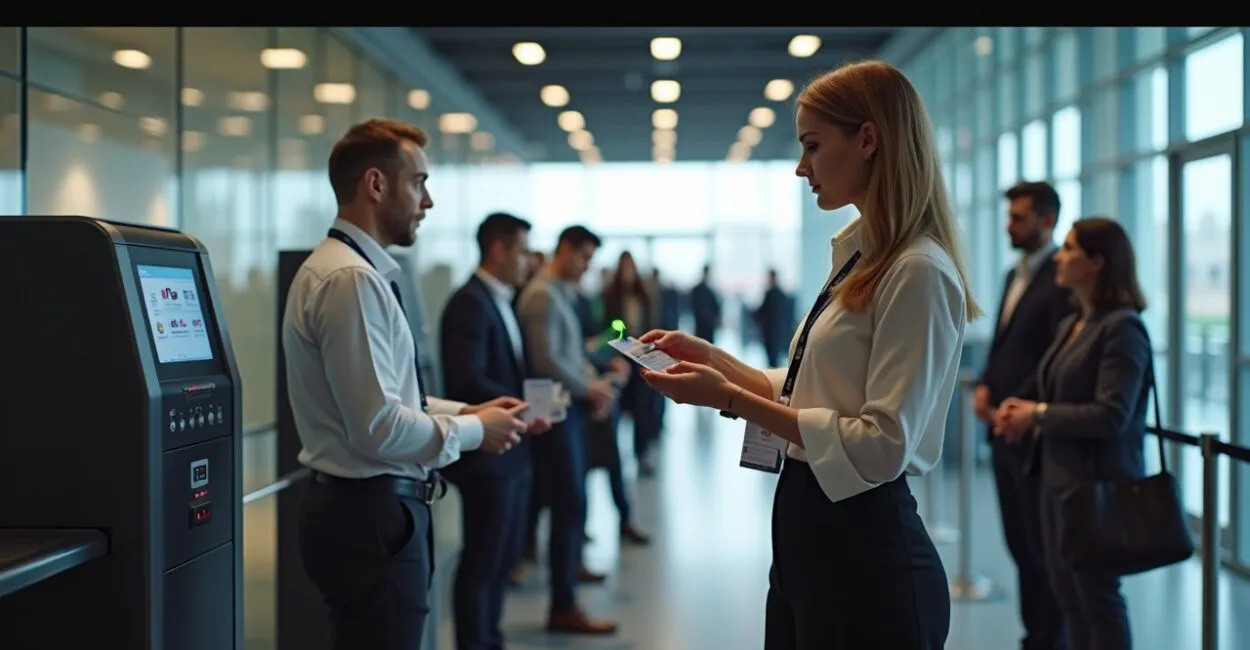
A check-in that takes less than a second can change the experience of an entire event. When a credential fails, lines grow, staff get worn down, and security becomes less precise. That’s why technology-enabled access control badges are no longer just an operational detail. They’ve become essential at trade shows, conferences, corporate events, and in restricted areas.
In practice, this type of badge does more than “display a name.” It identifies, authenticates, and logs entry using technologies such as RFID, NFC, QR codes, BLE, or digital credentials in an app. The technology you choose determines reading range, cost per attendee, checkpoint speed, and protection against fraud. Here’s how each option works, where it shines, and what kinds of situations can cause problems.

What You Need to Know
- An access-enabled credential is any card, tag, or digital pass that can grant, deny, or record entry at a checkpoint.
- RFID and NFC are generally faster; QR codes tend to win on cost and ease of deployment.
- There’s no universally “best” technology. The right choice balances security, crowd size, and available infrastructure.
- At large events, the real challenge is almost always reading credentials at scale, not issuing badges.
- Preventing fraud, duplication, and credential sharing takes policies, not just hardware.
Technology-Enabled Access Control Badges: What They Are and How They Changed Events
A straightforward technical definition: these are physical or digital credentials that use an electronic identifier to verify identity or access permissions in real time. In practical terms, the system reads a code, checks a rule, and decides whether to authorize entry. This approach works for turnstiles, building entrances, VIP areas, restricted rooms, and access management at temporary events.
The benefits are twofold. First, you reduce human error and speed up entry. Second, you gain traceability: who entered, when they entered, and which checkpoint they used. That history supports operations, security, and audits. For event organizers, this makes a big difference because the bottleneck shifts from manual verification to managing the flow of people.
Where Physical Badges Still Win
Even as everything goes digital, physical badges remain a strong choice when an environment requires fast scanning without relying on batteries, an internet connection, or extensive user training. At events with a diverse audience, physical badges are simple to use and reduce errors. For operations with multiple access points and permission levels, physical badges can also be paired with electronic readers to add layers of security.
The greatest value of a technology-enabled badge isn’t the object itself, but the automatic decision it enables in less than a second.
RFID, NFC, and QR Codes: The Three Most Common Technologies
These three technologies dominate the market because they solve different problems. RFID uses radio frequency and can typically be read at short or medium range, depending on the frequency and type of tag. NFC is a form of proximity communication commonly used in smartphones and short-range cards. QR codes rely on a camera, good lighting, and clear presentation, but they’re inexpensive and widely compatible.
RFID: Speed for High-Volume Entry
RFID works well when dozens or hundreds of people pass through a checkpoint in a short time. It reduces physical contact and speeds up verification. Anyone who has handled event check-in knows that during peak entry periods, the difference adds up to minutes saved per line—and at an event, those minutes shape people’s perception of quality.
The weak point is security, which depends on the type of tag and reader. In less secure environments, cloning is a risk if the solution uses weak protocols or lacks proper encryption. That’s why RFID shouldn’t automatically be treated as synonymous with security.
NFC: Proximity and Smartphone Integration
NFC is a strong choice when access needs to be deliberate: attendees tap their badge or smartphone against a reader. This reduces accidental reads and supports hybrid experiences, such as entering a room, checking in to a workshop, or picking up a giveaway. In many cases, NFC also works well with apps and digital wallets.
If an operation needs longer range, NFC isn’t ideal. Its strength is precise control, not distance.
QR Codes: Low Cost and Fast Deployment
QR codes are by far the simplest entry point for digital check-in. They can be printed, emailed, or displayed in an app. With effective token management and expiration settings, they work well for events with tight budgets and a moderate number of access points.
The limitations show up in long lines and poor lighting, as well as reliance on a camera and proper alignment. There’s another concern: if the code is static and reusable, fraud is easy. In that case, the solution needs dynamic QR codes or server-side validation.
| Technology | Strength | Main Limitation | Best Use |
|---|---|---|---|
| RFID | Fast, contactless scanning | Higher cost and risk from weak protocols | High-volume, fast entry |
| NFC | Proximity and mobile integration | Short range | Controlled access and hybrid experiences |
| QR Code | Low cost and easy distribution | Requires a camera and can be copied | Smaller events and digital credentialing |
For identity and interoperability standards, it’s worth looking at resources such as ISO, which brings together standards widely used in identification and security systems, as well as technical documentation on contactless communication protocols from academic projects and institutions. With RFID and NFC, the quality of the ecosystem matters as much as the badge itself.
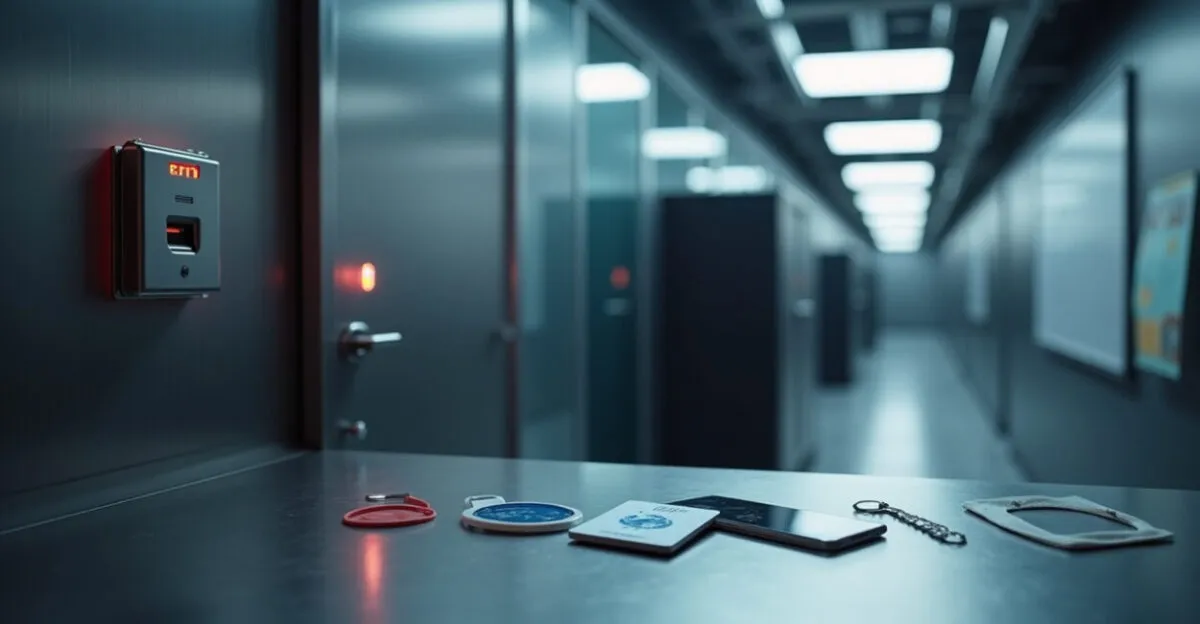
Hardware, Protocols, and Access Rules: Real Security Depends on the Right Layer

The most common mistake is buying badges before designing the policy. Hardware matters, but results depend on how the reader, credential, backend, and authorization rules work together. Without that architecture, even a sophisticated solution can become a polished but vulnerable system.
What Needs to Work Together
- Credential: A card, tag, wristband, or app with a unique identifier.
- Reader: A device that captures the signal and sends the reading.
- Backend: A system that verifies the ID and applies permissions.
- Access policy: A rule that determines who can enter, where, and at what time.
- Event log: An audit trail for later review.
In practice, the badge is rarely the only source of failure. I’ve seen cases where the credential was good, but the backend accepted any repeated scan within a short time window. The result: access sharing. In other cases, the reader worked well, but the policy ignored time and access level, opening areas that should have been restricted. Technology without rules leaves the door open.
Access security doesn’t come from the badge. It comes from combining unique identification, reliable verification, and well-designed authorization rules.
Resources such as the NIST help explain principles of authentication, identification, and credential protection in digital systems. Brazil’s Anatel, the national telecommunications agency, is useful for tracking regulations on radio frequencies and wireless equipment in Brazil.
When the Choice Depends on Cost, Scale, and Audience Experience
For a small event with a simple check-in process, QR codes often do the job with a lower upfront investment. If the goal is fast, high-volume entry, RFID comes out ahead. If the operation needs to work with apps, smartphones, and tap-to-enter access, NFC makes more sense. The problem is trying to use a solution designed for one scenario in a completely different one.
Factors That Matter More Than Price
- Entries per hour: High peak volumes favor contactless scanning with minimal friction.
- Risk level: Restricted areas call for stronger verification and credentials that are harder to copy.
- Available infrastructure: Internet, power, readers, and on-site technical support.
- Audience behavior: Corporate audiences may accept more steps; large general audiences need a smooth process.
- Deployment time: Digital credentials are a good fit when the timeline is short.
The ideal choice is rarely “just one technology.” At large events, using QR codes for check-in and RFID for internal access may work better than standardizing everything around a single method. The key is to use each technology where it performs best.
How to Deploy a System Without Disrupting Event Operations
Planning starts before the badges are printed. First, define the checkpoints, the number of people expected during each time period, and the authentication level required for each area. Then test badge scanning in a pocket, inside a bag, under bright lights, and in a real line. That’s when problems become visible.
A Practical Deployment Sequence
- Map access points: the main entrance, auditoriums, technical areas, and VIP zones.
- Choose the technology for each checkpoint based on need, not novelty.
- Test the average scan time per person.
- Create a contingency plan for offline readers, power failures, and lost credentials.
- Set rules for blocking and reissuing credentials before doors open.
A real-world example helps illustrate the point. At a conference with 3,000 attendees, the organizers used QR codes for check-in and RFID for access to premium rooms. Check-in went smoothly. But at the first talk, the static QR code started circulating in WhatsApp groups. Switching to dynamic tokens and session-based validation solved the problem midway through the event. It was a tough lesson, but a clear one: convenience without control leads to access leaks.
Universities and research centers publish useful technical resources on proximity identification and contactless systems. These materials can help distinguish marketing claims from real-world architecture.
Common Mistakes That Seem Minor but Cause Major Problems
The industry has learned the hard way that the biggest mistake is underestimating human behavior. Loaned badges, poorly printed photos, badly positioned readers, and generic authorization rules all create predictable failures. And predictable access failures lead to lines, complaints, and rework.
The Most Common Missteps
- Using a static code when the flow requires dynamic validation.
- Choosing a reader that’s incompatible with the credential type.
- Ignoring lighting, distance, and scanning angle.
- Failing to plan for lost or stolen credentials or revoked access.
- Treating the badge as a graphic design item rather than a security component.
One point needs to be stated honestly: no system eliminates fraud completely. What it can do is raise the cost of an attack and reduce its operational impact. In highly sensitive environments, the solution usually combines visual identification, digital logs, additional authentication, and continuous auditing.
The cheapest system often ends up costing more when lines grow, readers fail, or credentials start getting shared.
What to Take Into Your Next Event
If your goal is speed, start with the flow. If your goal is security, start with the policy. And if you want to scale without losing control, design the credential together with the backend—not as an afterthought. That’s when technology-enabled access control badges stop being an operational item and become a decision-making tool.
The next step is simple: choose the scenario that fits your event, compare RFID, NFC, and QR codes based on expected access volume, and test the solution under real conditions before launch. Doing this in advance helps you avoid improvising when the line is already out the door.
Frequently Asked Questions
Which technology is most secure for access badges?
It depends on the authentication model and usage policy. RFID and NFC can provide strong protection when they use unique identifiers and backend validation; QR codes need dynamic tokens to prevent easy copying. Real security comes from combining technology with rules, not from the technology’s name.
Can QR codes be used at large events?
Yes, but with limitations. They work well for initial check-in and lower-pressure scanning flows, but may struggle with heavy lines, poor lighting, and shareable credentials. For continuous high-volume entry, RFID usually offers a better experience.
Can I use a phone as a badge?
Yes. Apps with dynamic QR codes, NFC, or digital credentials in a mobile wallet are already common. The main concern is protecting against screenshots, sharing, and use after the credential expires.
How can I prevent someone from lending a credential to another person?
Use unique identification, session-based logging, and, when necessary, a second verification layer such as a photo, ID, or biometric check. At higher-risk events, the system needs to invalidate duplicates in real time. Without that, credential sharing becomes a recurring problem.
What’s the best value for corporate events?
For small and midsize events, QR codes may offer the lowest upfront cost. For events with high traffic and multiple access points, RFID often pays off through faster entry. The best value is the option that reduces lines, errors, and support needs on event day.
Do I need internet access for everything to work?
Not necessarily, but the design changes significantly without a connection. Some readers work with a local cache and sync later; others require online validation to grant access securely. It’s best to test offline operation before the event begins.
{
“@context”: “https://schema.org”,
“@type”: “FAQPage”,
“mainEntity”: [
{
“@type”: “Question”,
“name”: “Which technology is most secure for access badges?”,
“acceptedAnswer”: {
“@type”: “Answer”,
“text”: “It depends on the authentication model and usage policy. RFID and NFC can provide strong protection when they use unique identifiers and backend validation; QR codes need dynamic tokens to prevent easy copying. Real security comes from combining technology with rules, not from the technology’s name.”
}
},
{
“@type”: “Question”,
“name”: “Can QR codes be used at large events?”,
“acceptedAnswer”: {
“@type”: “Answer”,
“text”: “Yes, but with limitations. They work well for initial check-in and lower-pressure scanning flows, but may struggle with heavy lines, poor lighting, and shareable credentials. For continuous high-volume entry, RFID usually offers a better experience.”
}
},
{
“@type”: “Question”,
“name”: “Can I use a phone as a badge?”,
“acceptedAnswer”: {
“@type”: “Answer”,
“text”: “Yes. Apps with dynamic QR codes, NFC, or digital credentials in a mobile wallet are already common. The main concern is protecting against screenshots, sharing, and use after the credential expires.”
}
},
{
“@type”: “Question”,
“name”: “How can I prevent someone from lending a credential to another person?”,
“acceptedAnswer”: {
“@type”: “Answer”,
“text”: “Use unique identification, session-based logging, and, when necessary, a second verification layer such as a photo, ID, or biometric check. At higher-risk events, the system needs to invalidate duplicates in real time. Without that, credential sharing becomes a recurring problem.”
}
},
{
“@type”: “Question”,
“name”: “What’s the best value for corporate events?”,
“acceptedAnswer”: {
“@type”: “Answer”,
“text”: “For small and midsize events, QR codes may offer the lowest upfront cost. For events with high traffic and multiple access points, RFID often pays off through faster entry. The best value is the option that reduces lines, errors, and support needs on event day.”
}
},
{
“@type”: “Question”,
“name”: “Do I need internet access for everything to work?”,
“acceptedAnswer”: {
“@type”: “Answer”,
“text”: “Not necessarily, but the design changes significantly without a connection. Some readers work with a local cache and sync later; others require online validation to grant access securely. It’s best to test offline operation before the event begins.”
}
}
]
}
Artigos Relacionados
 Event Badge Printing: Materials, Equipment, and Finishes for Durability and Professionalism
 Event Badges: Design, Printing, and Logistics for Professional Identification
 Technology-Enabled Access Control Badges: 8 RFID, NFC, and QR Code Options for Event Security and Speed
 School Technology Management: Policies and Digital Security
 Digital Inclusion: Empowering Communities With Limited Access to Technology