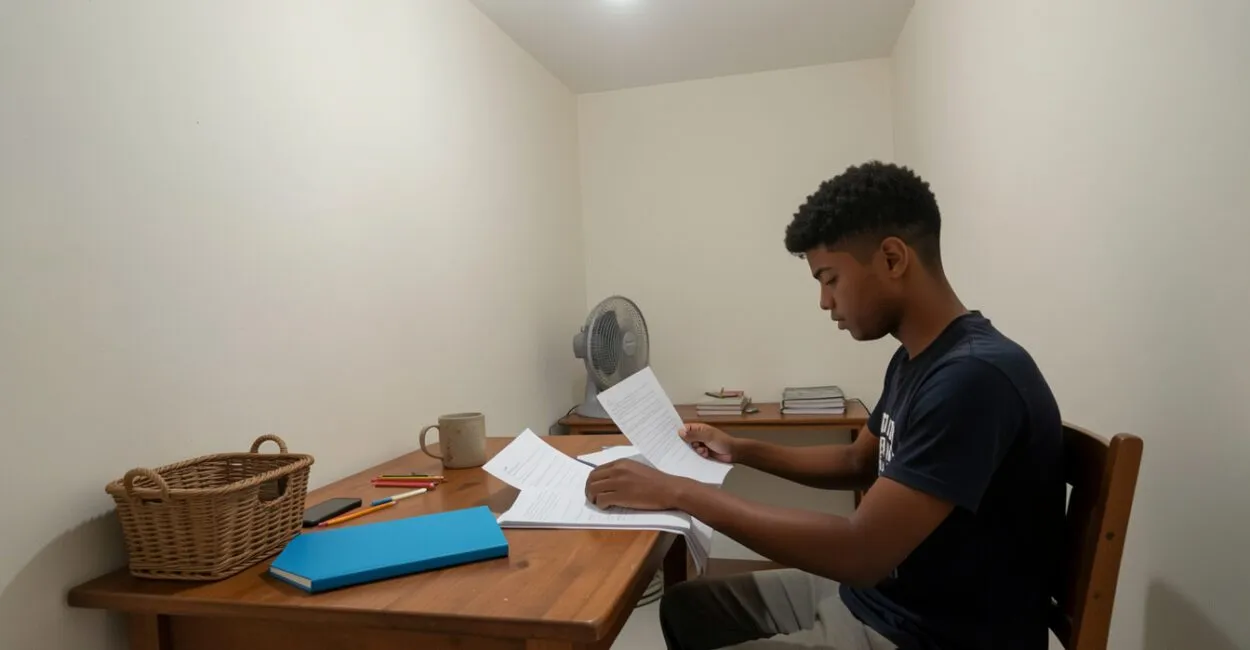
You sit down to review a subject, see a message on your lock screen, and before you know it, you’re scrolling through social media. That detour helps explain why phones and studying call for practical rules, not just willpower.
To reduce interruptions at home, silence what can wait, allow truly important alerts through, and set specific times to check messages.

The goal doesn’t have to be banning your phone. With a few adjustments to notifications, where you keep it, and how you check it, you can keep your phone available for schoolwork without turning every break into an automatic phone check.
At a Glance
- Goal: Informational, with a focus on reducing interruptions while studying at home.
- First adjustment: Turn off nonessential notifications before opening your study materials.
- Important alerts: Allow specific contacts or apps in Focus or Do Not Disturb mode.
- Phone location: Keep it out of reach but accessible if there’s a real need.
- Checking messages: Schedule regular breaks based on the length of your study session.
Phones and Studying: Why a Quick Check Disrupts Your Momentum
To study with fewer interruptions, reduce the stimuli competing for your attention and decide when you’ll check your phone. Turn off unnecessary alerts, keep exceptions for important contacts, and keep the phone out of sight during each study session. This combination makes checking your phone a deliberate choice instead of an automatic response to every vibration or glowing screen. A notification is a stimulus that can pull your attention away from a task, even if you don’t open the app. Checking also comes with a practical cost: you have to find your place, remember what you intended to do, and get back to reading or working through a problem. The impact varies depending on the person, the task, and how often interruptions occur, so avoid treating every use of your phone as equally harmful.
A common situation at home: someone puts their phone face down but leaves it next to their notebook, where the screen lights up. Even without sound, each flash of light can feel like an invitation to check.
Keeping the phone farther away usually works better than simply hiding the screen.
Planning when to check your phone does more to protect your study momentum than deciding whether to look every time an alert comes in.
Set Up Your Phone Before Opening Your Study Materials
Take a moment to get ready before you start: choose what you need to have available, close apps unrelated to your task, and turn on your phone’s focus mode. On iPhones, this feature is called Focus; on Android phones, names and settings vary by manufacturer and version, but typically include Do Not Disturb or focus modes. Check the options in your phone’s settings. It also helps to remove social media and video apps from your home screen, sign out of open accounts, and turn off autoplay if that option is available. These adjustments don’t block access, but they create a brief pause between an impulse and an action. If you organize other tasks into timed sessions, you can pair this setup with time blocks to reduce distractions.
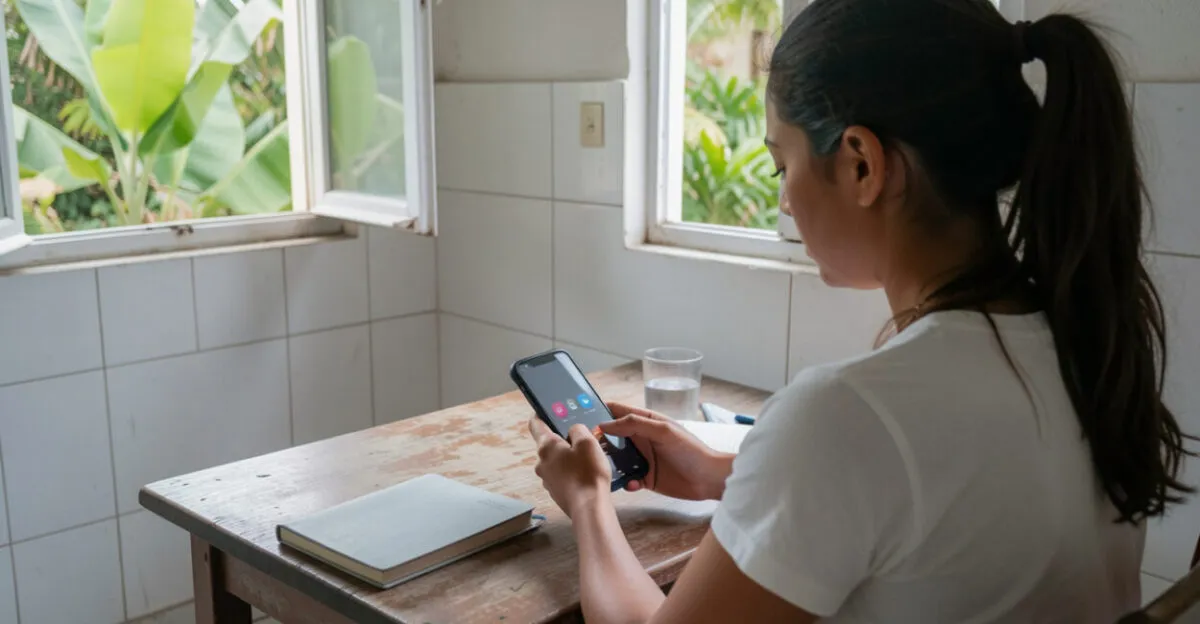
Silence Notifications Without Missing Important Alerts

Focus or Do Not Disturb mode can help filter notifications, as long as you set up exceptions before you study. Instead of allowing every alert, allow calls from specific people or notifications from apps you need during that time.
Menus differ between devices, so check the manufacturer’s instructions to find these settings.
Read also: Procrastination and Studying: How to Get Started When You Don’t Feel Like It
A useful rule is to separate urgent alerts from convenient ones. A call from school or a family member who’s responsible for you may warrant an exception; likes, promotions, news, and group messages can usually wait until your break. If the screen lights up even in silent mode, look for settings that control previews and lock screen notifications.
Apple’s Focus support guide explains how to allow notifications from selected people and apps. On Android, the Android Help Center offers guidance on Do Not Disturb and notifications; options may vary by model.
Complete guide: Study Habits: How to Stay Focused at Home
Choose Where to Keep Your Phone While Studying
Keep your phone out of immediate reach and, if possible, out of sight. A shelf behind your chair or another room can work, as long as you can still hear a call you’ve allowed through. If you need to check your phone for an activity, keep it on a nearby surface, face down, with notifications hidden.
Avoid putting it under your notebook or in a drawer if that makes you reach for it repeatedly to see whether anything has come in. Its location should discourage casual access, not create a checking ritual. Try the setup for a few study sessions and see whether it reduces impulsive checks.

Set Times to Check Messages and Social Media
Choose an interval that fits your task. For a 25-minute study session, for example, you can save messages for your break; for a longer task, you might schedule a check after 40 or 50 minutes. These times are starting points, not universal rules: adjust them to the type of studying you’re doing and how available you need to be.
Before you start, decide what you’ll do if you feel like checking your phone. Write down the question or message you need to respond to, then return to your task; when your break comes, take care of what needs attention. This simple note helps you avoid interrupting your train of thought just so you won’t forget something.
To stick to your schedule, use a timer separate from your phone or set an alarm that won’t open notifications when the screen turns on. If you study using your phone, you can use its built-in timer, but start it beforehand and go straight back to your study app when the time is up.
Plan Study Sessions and Breaks Without Falling Into a Scroll
A break should give you a rest from your task, not necessarily start a string of videos and posts that are hard to stop watching. Get up, drink some water, or stretch. If you choose to check messages, set a limit and close the app when you’re done.
There’s one important exception to this approach: someone waiting for an urgent call, for example, may need to keep their phone nearby. In that case, allow only the expected call or contact and silence everything else. The rule should address a specific need, not a vague possibility that something might happen.
To make this routine sustainable, keep track for a few days of when you check your screen most often. This can help you adjust your intervals and identify triggers, such as group notifications or the habit of opening social media between exercises. Organization and tracking strategies can support consistent study habits without requiring a rigid routine.
Use Your Phone to Study Without Getting Pulled Into Social Media
When you need your phone to research, read a PDF, or use a learning app, open the tool you need for your task first and keep only relevant tabs open. If you need to search online, write down your question before opening the browser, and avoid starting with social media or a video home page.
A common scenario: you need to look up a concept in a digital resource and receive a message while you’re reading. With social media notifications silenced, the relevant app open in the foreground, and your phone next to your notebook, you can finish looking up the information without switching to your messages. When you’re done, close the resource and save your next check for your planned break.
Common Sense Media offers guidance on technology and digital habits; it can help families talk about limits, though it doesn’t replace a rule tailored to each student’s routine. Start with just one study session: set up your exceptions, move your phone away, and schedule a time to check messages. Then see what worked and make adjustments.
A good digital boundary keeps what you need within reach and puts off what can wait.
Frequently Asked Questions
Does Do Not Disturb Block All Calls?
It depends on your settings. In general, you can allow favorite contacts, repeated calls, or selected people; check your phone’s exceptions before you start studying.
Where Should I Keep My Phone if I Need to Hear a Call?
Place it on a nearby shelf or table, out of reach and face down. Allow calls only from contacts who might need to reach you.
Should I Check Messages During Every Break?
Not necessarily. If your messages aren’t urgent, you can check them after two study sessions; if your task calls for shorter intervals or there’s a family need, adjust your plan without leaving notifications on for every app.
How Can I Keep a Phone Search From Turning Into a Social Media Session?
Decide what you’re looking for before opening your browser, use the app or site you need, and close it as soon as you find the information. Silencing alerts and removing social media shortcuts from your home screen can also reduce accidental detours.
What Should I Do if I Need to Be Available for an Emergency?
Choose who can call you and allow those contacts in Focus or Do Not Disturb mode. Let the people who need to reach you know about the exception; keeping all alerts active just in case tends to defeat the filter.
Can Using My Phone as a Timer Be Distracting?
It can be if you unlock your phone and end up checking other notifications. Set the timer before your study session and go straight back to your task, or use a separate clock.
Artigos Relacionados
 Distractions at Home: 7 Ways to Protect Your Study Time
 A Simple Weekly Morning Plan: Priorities, Self-Care, and Reviews to Reduce Anxiety and Boost Productivity
 Morning Habits for Focus and Energy: 9 Proven Practices to Boost Concentration, Increase Energy, and Reduce Stress Before Work
 Task Delegation at Events: Agile vs. Traditional Methods to Reduce Errors and Improve Team Efficiency
 Productivity in 2025: 7 Real-World Work-from-Home Hacks
 A Reading Routine at Home: How to Build the Habit Without Pressure