

A photo of a sneaker can take you straight to the model for sale; an image of a landscape might reveal where it was taken. To find, identify, or choose images, search by keyword on Google Images or upload a photo to Google Lens. Before downloading or publishing any file, check its source and terms of use.
Reverse image search compares visual elements to find matches and related content. It can help trace a photo, but it doesn’t, by itself, confirm who holds the copyright or whether the image can be reused. The safest approach depends on your goal: search by description to find a subject, use an image as a reference to locate copies, or look on stock photo sites when you need a file with a clearly stated license.

How do you find images on Google Images and Google Lens?
To find images on Google, search by keyword on Google Images or use a photo with Google Lens; the choice depends on what you already know about the file. On a computer, go to Google Images and enter a description. On a phone, search in your browser or open Lens from the Google app to point your camera or select a photo.
If you know the subject, combine specific terms: “Scandinavian-style wooden chair” is likely to be more useful than “pretty chair.” To find a scene or object in front of you, Lens lets you search with your camera; for a saved image, select the file on your device. Available options may vary depending on your device, browser, and app version.
The Google Search Help Center explains how to search using an image. Google Lens Help offers guidance on visual search. If you don’t see an option to upload an image, try opening Lens in the Google app or updating the app.
How do you search using an image and find similar results?
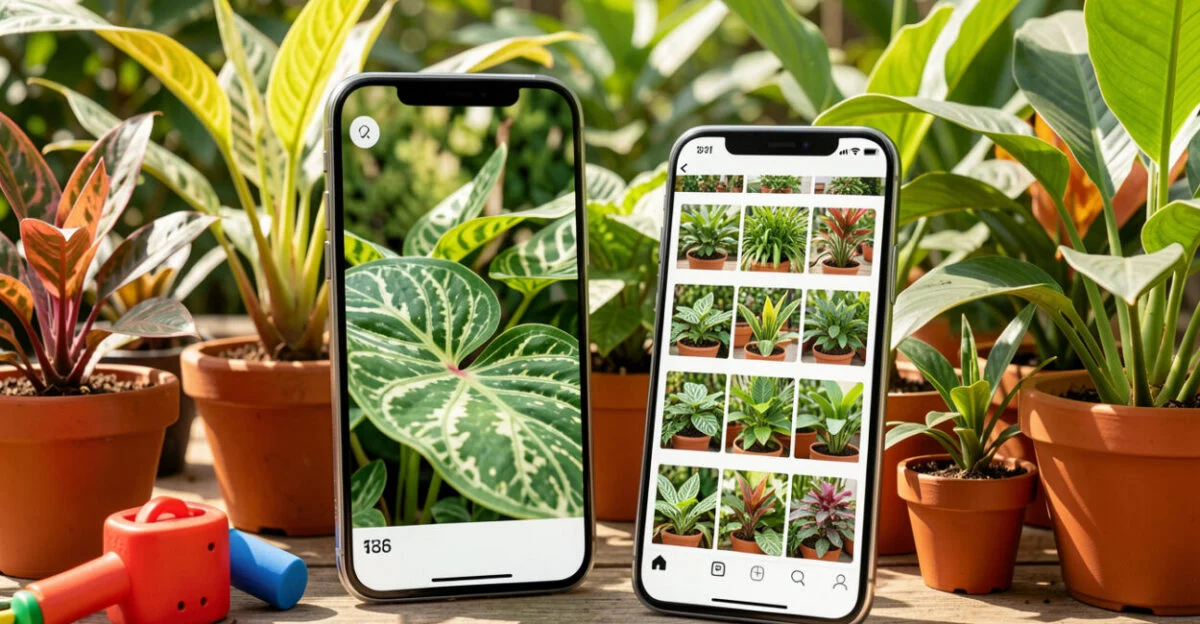
Searching by image means uploading a photo or providing its location so a system can compare visual elements and find matches or related content. This process, called reverse image search, can reveal exact copies, cropped versions, and pages featuring similar objects.
To get started, open Google Images and select the image search option, or use Lens on your phone. Choose a saved file or point to an image displayed on your screen. Then review the results by type: a visual match may lead to a copy, while suggestions for similar products or objects may share only some features.
A well-chosen crop can help. If the photo has a lot of background, crop it to highlight the object you want to find. This can improve a search for a purse or a plant, for example, but it can also remove useful clues, such as a sign, a landscape, or a watermark.
A visual match indicates that images are similar; confirm the source on the page that published the file.
How do you identify an image’s source, context, and permitted use?

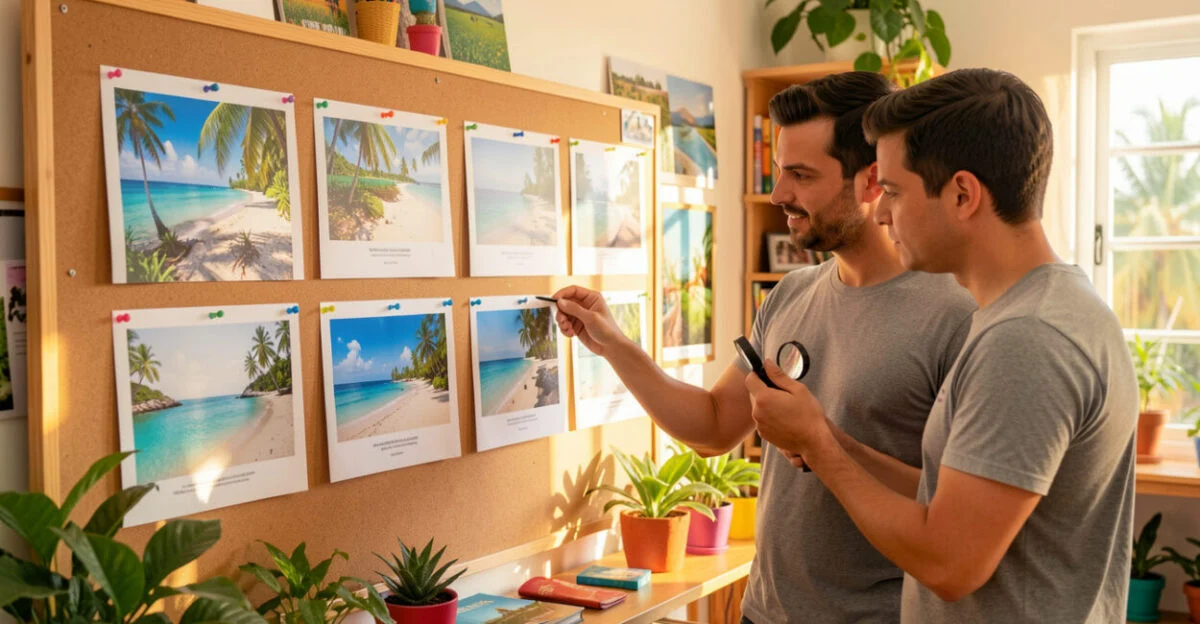
To identify a photo’s source, find the page that published it and check the author, date, caption, and license; a search result alone doesn’t prove who created the file. Open matching pages and compare versions, credits, and context before sharing or reusing the image.
A common mistake is assuming a photo can be used because it appears on Google Images or doesn’t have a watermark. The tool organizes results found on the web; it doesn’t grant permission to use them. A license may also limit the purpose, require attribution, or prohibit certain commercial uses.
Imagine you find a photo of a beach on several blogs. Reverse image search points to pages with similar versions, but one of them may have copied the image from another. The oldest caption can help with your research, but confirmation depends on credits, information from the photographer, or the original source.
If you can’t confirm the author or terms of use, choose another image or ask for permission. For editorial and promotional projects, record the page URL, the author’s name, and the license terms you checked; this makes it easier to correct credits and answer questions later.
Read also: The 5G and 6G Revolution in Brazil: Future Impacts and Challenges
Where can you find free images and check their licenses?
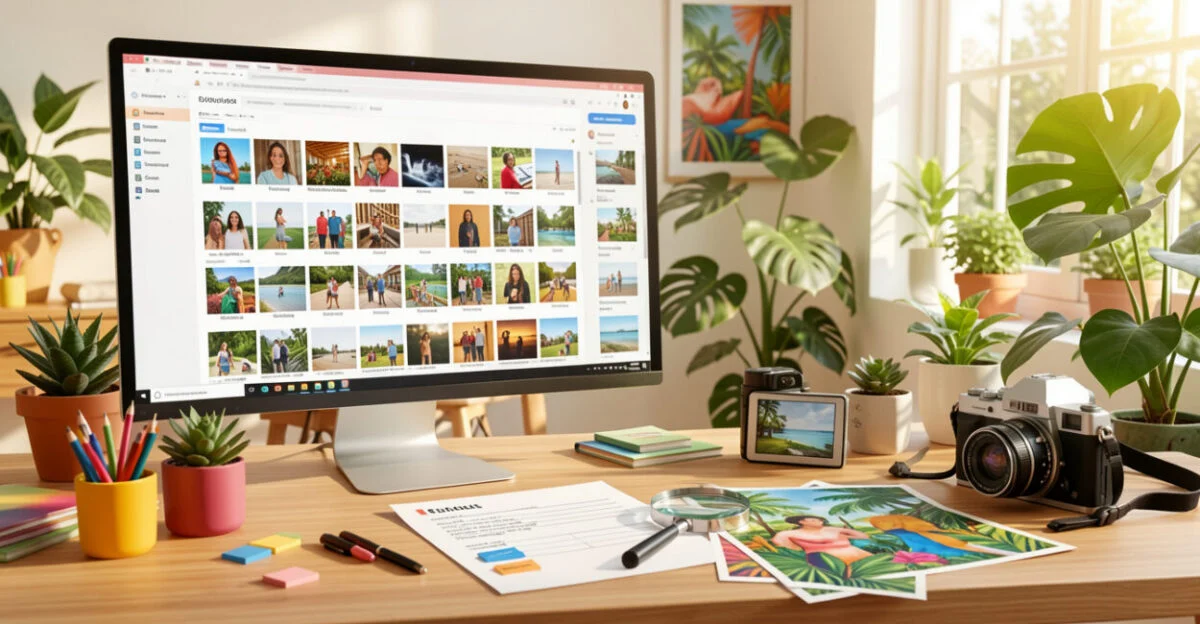
You can find free photos on sites like Pexels and Pixabay, but “free” doesn’t automatically mean “free to use for anything.” Read the terms that apply to the specific file, especially if you plan to use the image in an ad, product, package, or other commercial material.
Source What to check Pexels Review the official license and check for restrictions on your intended use. Pixabay Read the platform’s terms and check for restrictions involving identifiable people, brands, or property. Other stock photo sites Check whether the file requires credit, restricts commercial use, or has specific redistribution terms.
The official Pexels license describes the platform’s rules. Even when a license allows your intended use, image rights, trademarks, and privacy may require additional consideration. For example, a photo of an identifiable person may be subject to conditions that aren’t covered by the stock site’s license alone.
Read also: Microprocessors: History, Manufacturing, and the Future of Microchips
To find options beyond the major stock photo sites, search the collections of museums, libraries, and public institutions, always checking the terms listed on the file’s page. If the use is commercial and the license is unclear, choose an image with explicit permission or seek legal advice.
How do you choose attractive images or WhatsApp profile photos?
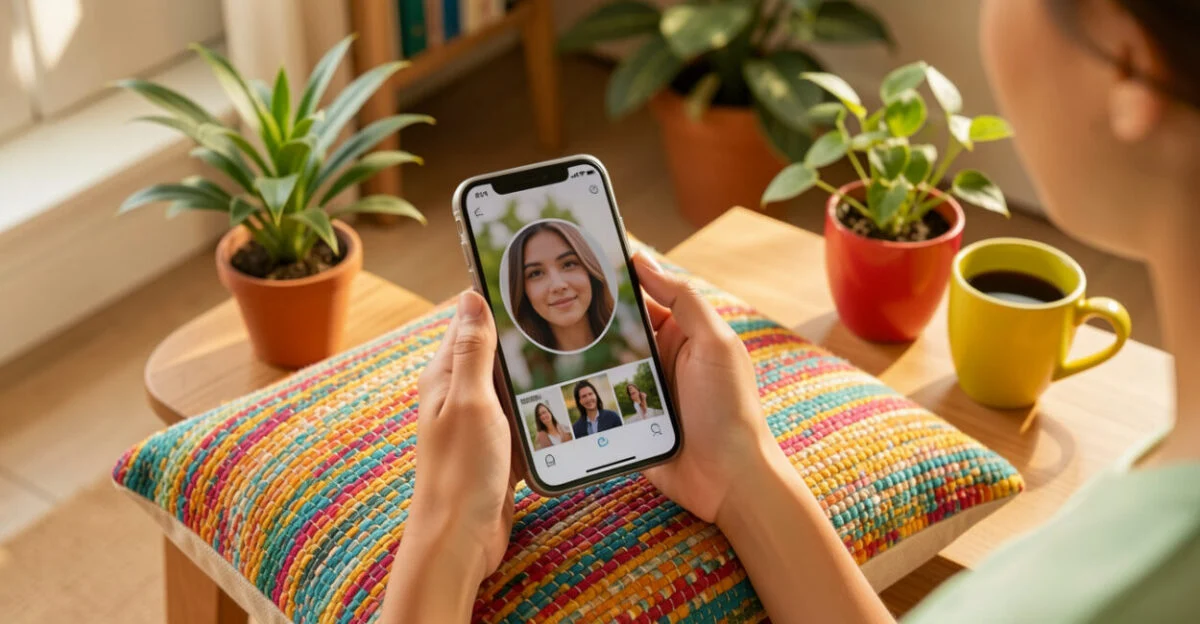
Choose an image that fits the context and remains clear in the space where it will appear. For a WhatsApp profile photo, choose a face or central element that will stay visible in the circular crop, and keep important details away from the edges.
To find attractive images or beautiful profile pictures, search by style and purpose, such as “minimalist floral illustration” or “blue-toned landscape.” Check the resolution before downloading: a small image may look pixelated when enlarged, while a very large file may be unnecessary for an icon.
- Personal profile: Choose a sharp photo with good contrast and a close crop.
- Business profile: Use an image that fits your visual identity and has confirmed usage rights.
- Background or post: Check the aspect ratio, resolution, and available space for text before editing.
Don’t use someone else’s photo as if it were your own. Besides misleading people who see your profile, this can expose someone without their consent. Take extra care before sharing images of children, documents, or private locations.
How is image search evolving?
Visual search combines image retrieval, object recognition, and analysis of features such as shapes, colors, and patterns. In simple terms, it lets you search a system with a photo instead of relying only on words to describe what’s in it.
This feature already helps with everyday tasks, such as finding a similar product, identifying a plant, or looking for images related to an object. For shopping, it can help you find items that look alike; that doesn’t guarantee they’re the same model, have the same quality, or come from reliable sellers.
Results also depend on the image you submit and the content systems can index. A blurry photo, unusual angle, or page that blocks indexing may prevent a useful match. That’s why visual search is a starting point for verifying information, not automatic proof of authenticity.
How can you use reverse image search to protect content and find images of mourning?
To monitor the use of your own photo, submit it to reverse image search and review pages displaying copies or modified versions. If you find an unauthorized post, save the URL, the date you searched, and screenshots before requesting its removal or seeking copyright advice.
Photographers, illustrators, and businesses can also use search to find uncredited uses and discover backlink opportunities when a site has published an image without linking to its source. A request for credit doesn’t replace permission: review the license and context before deciding what to do.
To find images for mourning, choose respectful search terms and sources that clearly indicate the context. A memorial can use a peaceful landscape, a candle, or a flower, but photos of grieving people and memorial services require care around privacy and consent. Avoid sharing photos of victims or their families without permission.
In investigations, a visual source can offer clues, but it doesn’t confirm identity or responsibility. Law enforcement agencies follow their own procedures; an image you find yourself shouldn’t be treated as a conclusion about a case.
If you’re looking for images for a project related to international trade or another professional activity, take the same care: confirm the source and license before publishing.
Summary: Which approach should you use for each need?
Question Answer Find an image by subject Search Google Images using specific terms. Search using a photo Upload it to Google Lens or image search. Find the source Open the pages you find and check the author, date, and context. Download for reuse Check the file’s license and any third-party rights. Choose a profile photo Prioritize a centered crop, sharpness, and suitability for the context.
Start by defining your goal: finding an image, discovering where it came from, or locating a file you can publish. Then choose the right tool and confirm the license on the source page before downloading or sharing.
Frequently asked questions
Can you download any photo that appears in Google Images?
No. Finding a photo in search results doesn’t mean you have permission to copy or publish it. Check the source page and its terms of use.
Why doesn’t reverse image search find the original photo?
The image may not be indexed, may have been altered, or may appear on a page the search engine can’t access. Try another crop or a version with more context; even then, you may not be able to confirm the source.
Can I use a free image in an ad?
It depends on the file’s license and any conditions related to brands, people, or property shown in the image. Check the platform’s terms before using the image in advertising.
How can I keep my profile photo from getting cropped?
Keep the face or main element centered and leave space around it. The app may crop the image into a circle, so details near the edges are more likely to disappear.
Does an image found with Lens prove that a product is authentic?
No. Lens may show similar products or pages using a similar photo. To verify authenticity, check the model, seller, and manufacturer information.
Artigos Relacionados
 Autonomous Cars: Revolutionary Technology and the Future of Mobility
 Blockchain: Transforming the Future Beyond Cryptocurrency
 Quantum Computing: Understanding the Present and Future of Technology
 Computer Scientist: A Complete Guide to Your Career and Future
 Environment and Education in the 21st Century: Pathways to a Sustainable Future
 Transportation Engineer: A Key Professional for the Future of Urban Mobility
