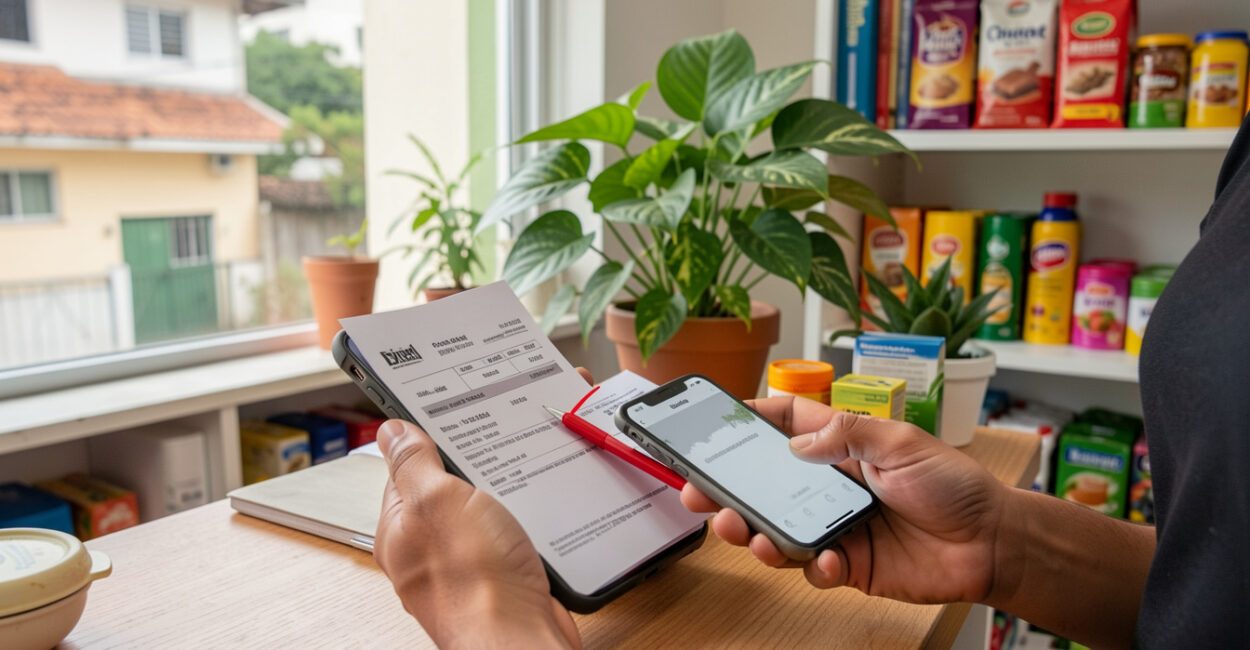
A message that looks like it came from a supplier can change the payment details on an invoice without anyone noticing until the money has left the account. Business cyber scams exploit everyday tasks such as paying bills, responding to customers, and accessing systems. To reduce the risk, small businesses can adopt simple controls: verify requests through another channel, protect accounts with multifactor authentication, and limit who can authorize payments.
These measures won’t eliminate all risk, but they can help stop fraud before it leads to financial loss or data exposure. It’s also important to know how to contain an incident: acting quickly can limit unauthorized access and make an investigation easier.

Key takeaways
- Urgent payment requests and changes to banking details should be confirmed through a previously known channel, not through the contact information in the message you received.
- Multifactor authentication reduces the risk of an account being hacked, even if a password is discovered, though it doesn’t prevent every type of fraud.
- Tested backups can help restore files after a ransomware attack; a backup that stays connected all the time could also be affected.
- If you suspect fraud, notify your bank or payment provider immediately and preserve messages, receipts, and records.
Why small businesses are targeted by cyber scams
Business cyber scams are fraud or attacks that use electronic channels to steal money, credentials, or data, or to disrupt operations. Technically, they can involve social engineering, account compromise, malware, or payment manipulation. In everyday business, they often start with a convincing message and an internal process that lacks verification.
Small businesses handle information that criminals value: customer and supplier data, email credentials, access to payment systems, and banking details. That doesn’t mean every business will be attacked. The actual risk depends on the data stored, the tools used, and, above all, how sensitive tasks are authorized.
A common vulnerability is having one person perform multiple roles: the same person receives an invoice, changes a supplier’s information, and approves the payment. If that person’s email account is compromised, the fraudster may monitor conversations and imitate the usual process. When staffing allows, separating these steps reduces that dependence.
Prevention also depends on clear financial processes. A routine for reviewing incoming and outgoing funds, like the one described in this resource on organizing your business’s financial management, can help identify unusual payments and unexpected changes.

Which digital scams pose the greatest threat to a business
The main risks include phishing, invoice and wire transfer fraud, social engineering, ransomware, and account takeovers. These threats can overlap: a fake message steals a password, the compromised account is used to request money, or malware locks the company’s files.
- Phishing: Fake messages trick someone into clicking a link, downloading a file, or sharing a password. In business phishing scams, the sender may impersonate a bank, cloud service, or supplier.
- Invoice and payment fraud: A scammer alters or replaces payment details, or sends a different Pix key. Pix is Brazil’s instant payment system. The document may look legitimate, so check the displayed payee before confirming the payment.
- Social engineering: Someone impersonates an employee, manager, or service provider and pressures the team to share data or approve a transaction. The urgency is often intended to prevent verification.
- Ransomware: A type of malware that locks or encrypts files and may come with a threat to publish data. Paying the ransom doesn’t guarantee file recovery or prevent information from being exposed.
- Account takeovers: Stolen or reused credentials can provide access to email, company social media accounts, or financial systems. A compromised account can also be used to deceive customers and suppliers.
Public cases show that cyber incidents affect companies of different sizes and across different industries, but they don’t mean every business faces the same risk. Lojas Renner reported a cyberattack in 2021 that affected its systems and operations. In 2022, Americanas reported a security incident that made some of its systems unavailable. These are examples of operational impacts, not predictions about small businesses.
To learn how to recognize fraud patterns, the CERT.br Internet Security Guide offers advice on threats such as phishing and ways to protect devices. The organization explains general practices; each business still needs to consider its own systems and processes.

How to recognize suspicious messages and approaches

Three signs of phishing are a sender or email address that doesn’t match the organization, an urgent request, and an unexpected link or attachment. No single sign proves a message is fraudulent, but a combination of them is reason to stop and verify the request through another channel.
Warning sign Example How to verify Unusual urgency “Pay now or your service will be canceled.” Use the official contact information already on file to check the charge. Don’t reply to the message. Changes to banking details A supplier asks you to send the next payment to a different account. Call a number you already know, not one listed in the email or message. Unexpected link or file An invoice arrives with a button to “update” your account. Go to the service by typing the address your company already uses. Don’t open the attachment to investigate. Suspicious-looking sender The display name looks familiar, but the address has extra letters or a different domain. Check the full address and verify the request with the person through another channel.
A common mistake is to trust only the name displayed on the screen. That name can be spoofed; also, a legitimate account that’s been compromised can send messages that fit real conversations. That’s why sensitive changes should be verified outside the channel used to request them.
How to protect your business accounts, devices, and data
Start with accounts that can reset other passwords: administrative email, financial services, and cloud storage. Turn on multifactor authentication (MFA), which requires a second proof of identity in addition to your password, and use unique passwords stored in a trusted password manager. If a service offers passkeys or phishing-resistant methods, consider using them for high-impact accounts.
Read also: Open Finance: How to Share Data Safely
Keep systems, browsers, and apps up to date. Updates fix known vulnerabilities, but they also need to be installed on phones used to access business accounts. Remove programs and access permissions that are no longer needed.
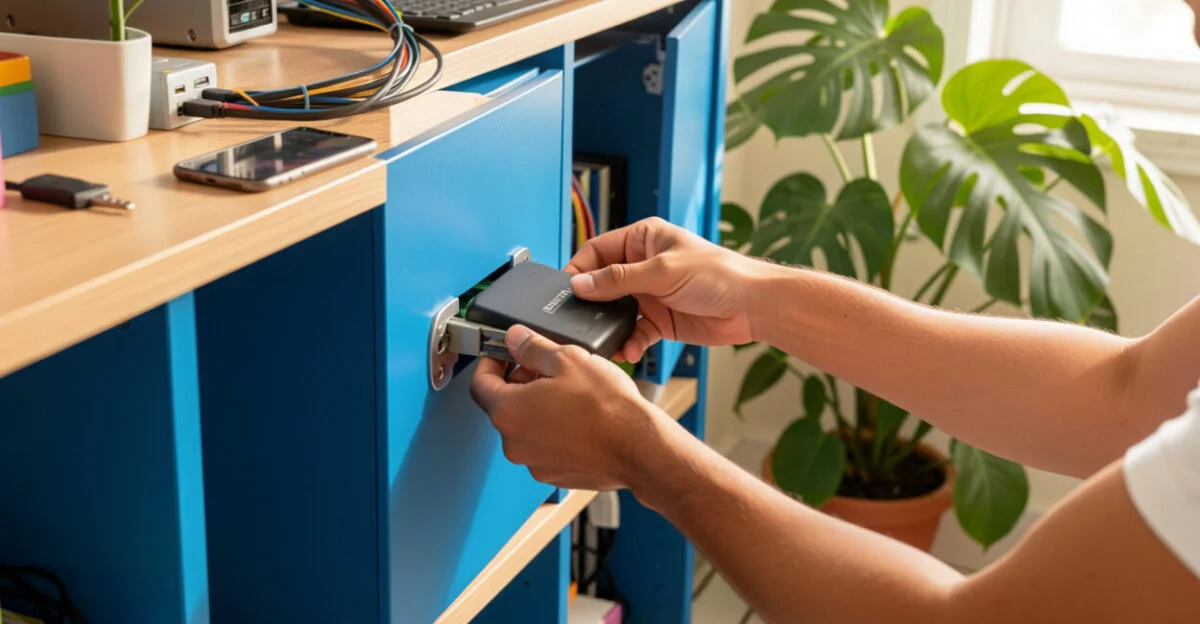
Back up important files regularly and keep at least one copy separate from the devices and accounts used every day. Test the restore process: a backup that’s never been used to recover files may be incomplete or unusable. To help choose appropriate safeguards, Anatel, Brazil’s National Telecommunications Agency, publishes cybersecurity resources; recommendations should be adapted to the needs of each operation.
Read also: How to Sell to the Government: A Guide for Small Businesses
Grant access based on job responsibilities: someone who needs to issue invoices doesn’t automatically need to manage all users or authorize every payment. Review permissions when someone changes roles or leaves the company. This can limit the reach of a compromised account, though it won’t prevent an authorized employee from being deceived or acting improperly.

How to reduce payment and purchase order fraud
Confirm changes to bank account information through an independent channel, using a phone number or contact on file before the request was made. This rule should apply even when the request comes from a familiar email address, because a supplier’s email account may have been compromised.
Set a written procedure for adding suppliers and changing payment details. For example, one person receives the request, another verifies it with the supplier, and the finance approver checks the payee’s name before releasing the transfer. Small teams may not have two people available; in that case, the business can require a pause and a follow-up confirmation using a contact already on file.
Unusual urgent requests, such as asking for an early transfer or changing where a payment is sent on the same day, should trigger an extra verification step. The deciding factor is impact: the larger the amount or the greater the access involved, the more independent the confirmation should be.
Example: An email arrives asking to change a supplier’s bank account before an invoice is paid.
The team doesn’t reply or call the number listed in the message.
They look up the number on the previous account record and confirm the change with the supplier.
This kind of control also helps keep finances predictable, a topic covered in this resource on cash flow for small businesses.
What to do if you suspect a scam or attack
If you notice a suspicious payment, account intrusion, or locked files, contain the problem without deleting evidence. Notify your bank or payment provider immediately, ask about options to block or dispute the payment, and inform the people responsible for the business. Whether a transfer can be recovered depends on the circumstances and the institution involved; a refund isn’t guaranteed.
- Stop the suspicious activity: Disconnect the affected device from the network if you see signs of malware, but don’t wipe it before preserving relevant information.
- Secure your accounts: From a trusted device, change compromised passwords, sign out of active sessions, and revoke any tokens or access that may have been exposed. Start with the administrative email account.
- Contact the institutions involved: Reach out to the bank, payment platform, email provider, or affected service. Use official channels found independently of the suspicious message.
- Save the evidence: Preserve emails, case numbers, receipts, timestamps, screenshots, and access logs. Don’t forward suspicious messages unnecessarily or open attachments to collect evidence.
If personal data was affected, the business should assess its obligations and follow guidance from Brazil’s National Data Protection Authority (ANPD) on security incidents. Whether the ANPD and affected individuals need to be notified depends on the incident assessment and legal criteria; not every alert automatically calls for the same response.
How to build a prevention routine for your team
A short policy that reflects real work is usually more useful than a long document nobody reads. Make the rules for payments, account changes, file sharing, and incident communication easy to find. Train the team using examples similar to the requests they receive, without expecting employees to identify every sophisticated attempt on their own.
- Decide who can add suppliers, change bank details, and release payments.
- Agree on how to verify urgent requests and which channel to use to report a concern.
- Review employee, contractor, and old account access regularly and whenever someone leaves the company.
- Test backup restoration and document who should contact the bank, technical support, and the people responsible for data.
One important limitation: no procedure can prevent every kind of fraud, and the technology available varies from business to business. If the company can’t separate duties, confirming requests by calling a known number and keeping a simple approval record can still reduce errors without requiring paid tools.
You can take the first step today: choose the email account that controls your other accounts, turn on multifactor authentication, and check who still has access. Then document a rule for confirming bank account changes and share it with everyone who pays suppliers or adds them to the system.
Frequently asked questions
Which companies have experienced cyberattacks?
Publicly reported cases include incidents that affected Lojas Renner in 2021 and Americanas in 2022. They illustrate possible impacts on systems and operations, but each incident has its own circumstances and doesn’t allow us to generalize the risk to all businesses.
How can I tell if scammers are using my CPF?
Check Registrato, a service from Brazil’s Central Bank, to review financial relationships and transactions available in the system, and check your CPF registration status through Brazil’s Federal Revenue Service. A single lookup doesn’t prove fraud; if you find an unfamiliar account, debt, or activity, contact the responsible institution through official channels and file a dispute.
What are the most common online scams?
Common scams include phishing, credential theft, fake websites, payment fraud, and malware installation. In business settings, there are also fake requests to change bank details and attempts to take over email or social media accounts.
Does a small business need to buy a paid security tool?
Not necessarily. Measures such as MFA, software updates, tested backups, and approval rules can be implemented with resources that are already available. A paid tool makes sense when it addresses an identified need and someone is available to manage it.
What should I do if an employee clicked a suspicious link?
Ask them to notify the person responsible internally right away. If they entered a password, change it from a trusted device and sign out of active sessions. If they downloaded a file or ran a program, disconnect the device from the network and contact technical support before using it again.
Artigos Relacionados
 How to Protect Online Accounts From Scams and Hacks
 How to Reduce Waste in Small Businesses: A Practical Guide
 How to Attract Customers to a Small Local Business
 ESG Indicators for Small Businesses: How to Measure Impact
 Green Entrepreneurship for Small Businesses
 Digital Entrepreneurship: 9 Essential Strategies to Build a Successful Online Business and Achieve Financial Freedom in 2026