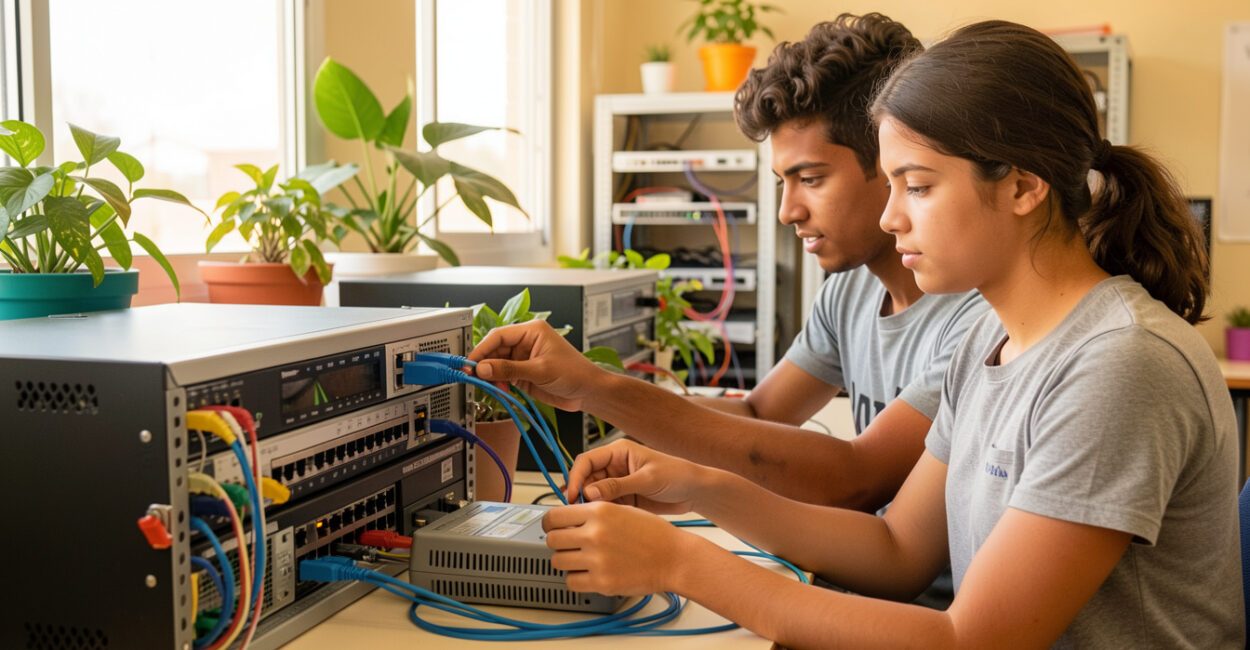
A video call can freeze because of your Wi-Fi, router, or a distant server—each step depends on a different part of the network. Computer networks connect devices so they can exchange data and share resources. Understanding network types, topologies, and protocols helps you plan everything from a home network to a company’s infrastructure—and evaluate what you’ll learn in a college degree program in the field.
Start by separating concepts that are often lumped together: network type indicates coverage area; topology describes how devices connect; architecture defines how they divide tasks; and protocols establish the rules for communication. Knowing the difference makes it easier to choose a setup that meets your needs without adding unnecessary complexity.

At a glance
- Field: information technology and data communications.
- Scope: personal, local, metropolitan, and wide area networks.
- Reference models: OSI and TCP/IP.
- Relevant standards: the IEEE 802 family for local and wireless networks.
- Applications: internet access, file sharing, and communication between systems.
What are computer networks, and how do they work?
Computer networks are groups of interconnected devices that exchange data over transmission media using defined protocols. Put simply, a device sends information in organized units, and other devices forward it to its destination, where the appropriate service or application interprets it. A network typically includes end devices, such as computers and phones; intermediate devices, such as switches and routers; transmission media, such as cables and radio waves; and protocols that define addressing, delivery, and data handling. Wi-Fi, for example, connects your phone to an access point, while the router forwards traffic between the local network and the internet.
Data doesn’t necessarily travel in a straight line from source to destination. An IP address identifies networks and interfaces so traffic can be forwarded; TCP, when used, ensures reliable delivery between applications. A transmission may pass through several routers, each of which chooses the next hop based on routing information.

What are the main types of networks?
The four types most commonly taught are PAN, LAN, MAN, and WAN, classified mainly by their range and coverage area. The boundaries aren’t universal: distance, management, and technology can vary depending on the definition used in a course or project.
Type Typical range Example Common use PAN Around one person Phone connected to Bluetooth headphones Communication between personal devices LAN Home, office, or building Wired network and Wi-Fi in a home Sharing internet access and local resources MAN Urban or metropolitan area Connecting locations across a city Connecting networks distributed across an urban area WAN Long distances, across regions or countries Corporate network connecting branch offices Connecting distant local networks; the internet is the best-known example
A company with branch offices can use a LAN at each location and WAN connectivity between them. The internet is also a network of networks: it combines independent infrastructures that exchange traffic using shared standards.

How do you choose a network topology?

Network topology is the way nodes and connections are arranged. The choice depends on the number of devices, fault tolerance, cabling costs, and ease of maintenance. Physical topology describes the actual connections, while logical topology shows how data flows—which doesn’t always match the layout of the cables.
- Star: Each device connects to a central point, usually a switch or access point. It’s easy to expand and troubleshoot; if the central device fails, connected devices lose communication. This is the most common layout in modern local networks. A star network topology works well in homes and offices, as long as the central point has enough capacity.
- Bus: Devices share a main transmission medium. It requires little cabling, but a failure in the central segment can affect the entire network, and performance drops as devices compete for access to the medium. Bus network topology is found mainly in legacy networks and educational examples.
- Ring: Each node connects to the next, forming a loop. This can organize access to the medium, but an interruption can disrupt communication unless there is redundancy or a way to route around it. Ring network topology is used in specific applications, not as a general standard for an office LAN.
- Mesh: Nodes have multiple connections to each other or to other points in the network. Alternative paths improve resilience but increase cost and complexity. Mesh network topology is useful in distributed wireless networks and infrastructure that must keep operating through failures.
The best topology is one that keeps the service available without making installation and maintenance more expensive than necessary.
For example, in a small office, a star topology with a central switch makes it easy to connect computers, printers, and access points. If a workstation’s cable breaks, the problem is usually limited to that connection; if the switch goes down, several workstations may lose network access. To reduce that risk, a design can include backup equipment or redundant paths, depending on the impact of an outage.
How do architecture and infrastructure organize a network?
Architecture describes how devices share functions; infrastructure consists of the equipment and media that carry data. Client-server and peer-to-peer are organizational models, not network types or topologies.
Read also: Digital Game Design Degree: Everything You Need to Know
Client-server and peer-to-peer
In the client-server model, clients request services from servers that centralize applications, authentication, or files. This makes it easier to manage controls and security policies, but servers must be protected and service continuity planned for. In a peer-to-peer network, devices share resources directly without relying on a dedicated server. This model can work for small groups and simple uses; in larger environments, managing permissions, backups, and updates tends to become more difficult.
Read also: Chemistry Degree: Everything You Need to Know
Equipment and transmission media
A switch connects devices within a local network; a router forwards packets between networks; an access point provides wireless connectivity; and a modem or termination device interfaces with the provider’s service, depending on the technology you subscribe to. A firewall, whether standalone or built into another device, controls traffic according to security rules. Twisted-pair cables are common in Ethernet installations; fiber-optic cable transmits data using light and is used for higher-capacity or longer-distance links; Wi-Fi and Bluetooth transmit over radio. The right choice depends on distance, interference, mobility, installation costs, and required speed. Walls, crowded cable conduits, and poorly terminated connectors can affect network performance even when your internet plan offers high speeds.
What are the most widely used network protocols?
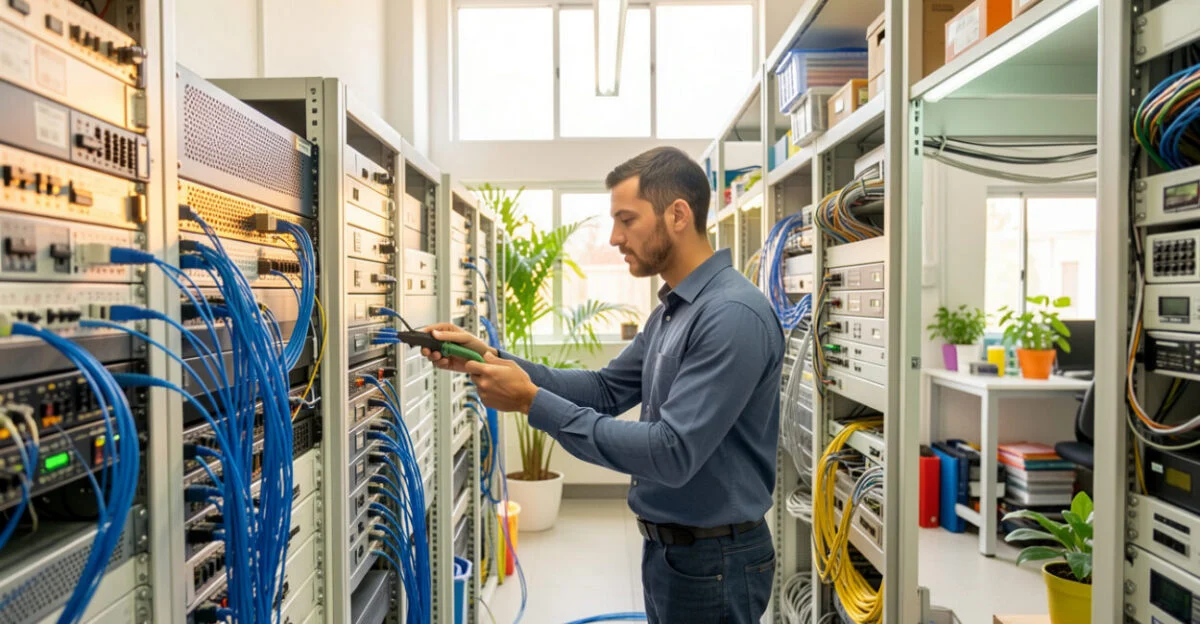
There’s no universal list of the “10 most widely used” protocols: the selection varies depending on whether you’re looking at home networks, data centers, the internet, or automation. To understand a typical IP network, these ten protocols and standards cover key functions, from the link layer to services used by applications.
- Ethernet (IEEE 802.3): Defines wired local network technologies, including frame formats and aspects of the link layer.
- IP: Addresses packets and enables them to be forwarded between networks; IPv4 and IPv6 are the versions in use.
- ICMP: Carries control and diagnostic messages associated with IP; tools such as ping may use it.
- ARP: On local IPv4 networks, helps find the link-layer address associated with an IP address. IPv6 uses different mechanisms, such as Neighbor Discovery.
- TCP: Provides a connection with ordered delivery, retransmission mechanisms, and flow control.
- UDP: Sends datagrams without the same delivery and ordering guarantees as TCP; voice applications and DNS queries may use it.
- DNS: Looks up records that associate domain names with information such as IP addresses.
- DHCP: Assigns IP configuration settings, such as an address, gateway, and DNS servers.
- HTTP: An application protocol used to transfer web resources; HTTPS combines HTTP with cryptographic protection through TLS.
- TLS: Protects communication between applications with encryption and authentication mechanisms when configured and validated correctly.
Internet protocol specifications are published in RFC documents. RFC 9293, maintained by the RFC Editor, describes TCP; for local networks, the IEEE 802.3 family of Ethernet standards defines aspects of wired networking technology.
What are the 7 layers of the OSI model?
The seven layers of the OSI model, from the bottom up, are Physical, Data Link, Network, Transport, Session, Presentation, and Application. The ISO/IEC reference model helps organize functions and troubleshoot problems; it doesn’t require every real-world implementation to follow seven separate modules.
- 1. Physical: Transmits signals over a medium, such as electrical pulses, light, or radio waves.
- 2. Data Link: Organizes communication over the local link, including frames and physical addresses.
- 3. Network: Handles logical addressing and forwarding between networks, a function associated with IP.
- 4. Transport: Provides communication between processes, with features such as those offered by TCP or UDP.
- 5. Session: Describes the control of dialogues and sessions between applications.
- 6. Presentation: Represents and transforms data, including formats and encoding or encryption operations.
- 7. Application: Provides network services used by programs, such as HTTP and DNS.
When a page is sent, the application creates a request; the transport and network functions organize the communication, the link layer prepares the local transmission, and the physical layer sends the signals. At the destination, the process happens in reverse. In practice, the TCP/IP stack groups functions differently, so the mapping between its layers and the seven OSI layers is approximate, not a strict one-to-one translation.
What are networks used for, and why do they matter?
Networks connect people, devices, and services: they enable calls, access to cloud-based systems, shared printing, transactions, and communication between business locations. For an organization, network design also determines who can access data, how systems keep running during a failure, and where incidents can be monitored. A common mistake with small networks is treating the router as the fix for every problem. If the connection drops only in one room, the cause may be poor coverage or interference; if all devices lose access, the problem may be the central device, the provider’s connection, or the configuration. Ruling out these possibilities before replacing equipment can prevent unnecessary spending.
Important
A password-protected Wi-Fi network still needs updates, secure administrative credentials, and controls on connected devices. Link encryption doesn’t replace backups or, by itself, protect against every type of attack.
To choose a solution, start with how the network will be used and the impact of an outage. At home, coverage and the number of devices may matter more than an elaborate topology; in a business, segmentation, redundancy, and access management are more important. These decisions can also help prospective students evaluate programs in the field: compare networking, operating systems, security, and lab courses, just as you would when researching a physics degree or other technical programs.
To learn about standards, consult the ISO/IEC documentation on the OSI model and RFC documents from the RFC Editor. When researching programs, check the curriculum, the amount of hands-on coursework, and the institution’s accreditation; comparing different fields, such as Journalism or Physical Education, is useful only for understanding differences in subject matter and day-to-day work, not as a content equivalence.
Frequently Asked Questions
Are Wi-Fi and the internet the same thing?
No. Wi-Fi is a wireless local networking technology; the internet is a network of networks that you can access over Wi-Fi, a wired connection, or other types of connections.
Can a switch replace a router?
Not for every function. A switch connects devices within a local network, while a router forwards traffic between networks; some home devices combine both functions in one unit.
What should I study first to learn networking?
Start with IP addressing, subnet masks, gateways, and DNS. Then practice reading a network configuration and tracing the path of a packet. With that foundation, protocols, routing, and security are easier to connect to real-world problems.