
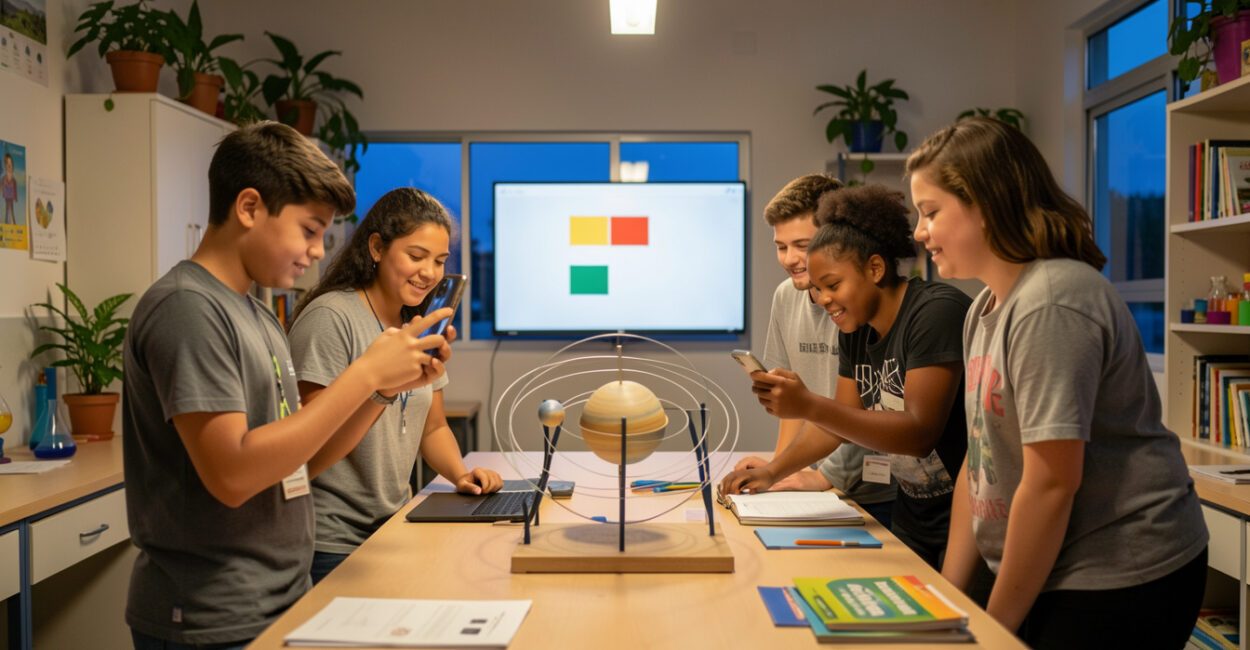
A school activity might start with a group chat for sharing ideas and end with a student’s photo circulating beyond the class. Social media expands opportunities for communication and creativity, but it also changes how content and personal data spread.
In education, the results depend on the learning objective, students’ ages, and participation rules.

This guide explains what defines these services, how they differ, and what effects they can have inside and outside school. It also offers criteria for deciding when a platform supports learning and when it’s better to choose another tool.
Key considerations
- A school activity needs a clear learning objective before a platform is selected.
- Features that allow public posting require extra care with images, personal data, and consent.
- A network that’s popular with students may not be appropriate for their age group or the learning goals.
- Moderation, clearly assigned responsibilities, and an incident response plan should be part of the activity from the start.
What is social media, and what is it used for?
Social media refers to digital services that let people and communities connect and interact through profiles, posts, comments, or messages. In simple terms, these are online spaces for keeping in touch, sharing content, and joining groups. In education, they can support projects, discussions, and sharing student work, as long as the school sets clear purposes and limits for their use. “Social network” and “social media” are closely related terms, but they’re not identical. Social network emphasizes relationships between users; social media highlights the creation and distribution of content. In practice, many platforms combine both functions, and not all authors make this distinction consistently.
The same tool can be used to coordinate assignments, follow the news, or build a professional presence. The purpose determines what’s appropriate to post and who should have access.
For example, a conversation in a private group can be forwarded and reach people who weren’t part of the original conversation.
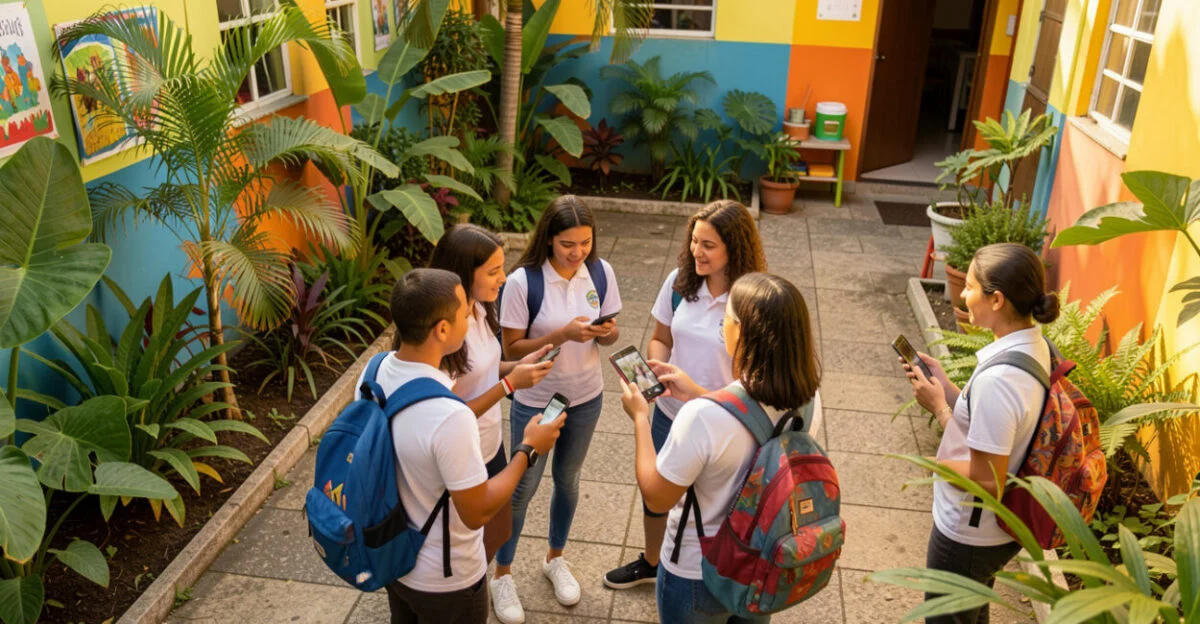
Types of platforms and examples of interaction
Platforms differ in the types of interaction they encourage. Some prioritize conversations between contacts; others organize videos, images, text, or communities around shared interests.
Since features change and overlap, this classification is useful for comparing functions, not for drawing rigid boundaries.
Type of service Examples Most common interaction Messaging and groups WhatsApp, Telegram Direct conversations and sharing announcements Profiles and posts Instagram, Facebook Sharing photos, videos, and updates Videos and livestreams YouTube, TikTok Watching, posting, commenting, and following creators Communities and forums Reddit, Discord Discussions organized by topic or group Professional connections LinkedIn Showcasing experience and making professional connections
YouTube, for example, combines video publishing with comments and communities. WhatsApp offers ways to share updates in addition to messaging. For school activities, the platform’s name matters less than how it exposes participants and lets you control who can post.

Social media in Brazil: data and context

To understand social media use in Brazil, consult the ICT Households Survey (TIC Domicílios), conducted by the Regional Center for Studies on the Development of the Information Society (Cetic.br), which tracks the population’s digital access and habits. Check the edition and indicator before citing percentages: internet access, app use, and social network participation are different measures.
A national survey helps identify trends, but it doesn’t describe every school or age group. Habits vary by region, age, access to devices, and family circumstances. Schools should therefore find out which tools their students actually use and whether everyone can participate without paying or providing their own device.
It’s also wise to distinguish popularity from educational suitability. A platform may be familiar to students and still require a minimum age, a personal account, or public exposure that doesn’t fit the activity.

What are the most popular social networks, and how many are there?
There’s no universal list or definitive number of social networks. The answer depends on the country, time period, and criteria, such as active users, downloads, or advertising reach. As a practical list of well-known services in Brazil, in no particular order, consider WhatsApp, Instagram, YouTube, TikTok, Facebook, Telegram, LinkedIn, X, Pinterest, and Discord.
To expand the list to 20 names, you can also include Snapchat, Reddit, Threads, Kwai, Twitch, Pinterest, BeReal, Messenger, Mastodon, and Bluesky. Since Pinterest is already on the first list, replace the duplicate with Tumblr to get 20 distinct services. For a list of 30, you can add Flickr, Vimeo, WeChat, Weibo, LINE, VKontakte, Signal, Quora, Medium, and Clubhouse.
These lists combine social networks, messaging apps, and content platforms because many services have overlapping functions. They answer searches for “10,” “20,” or “30” social networks, but shouldn’t be treated as rankings. To compare popularity, consult surveys with a clear reference date and methodology; commercial rankings may count potential accounts rather than unique active users.
Common uses of the services mentioned include chats and groups on WhatsApp, videos on YouTube and TikTok, images on Instagram, and professional connections on LinkedIn. Forwarded messages can leave the original group; public profiles make it easier for posts to spread; and automated recommendations can keep people watching videos longer.

Everyday advantages and disadvantages
Outside school, these services make it easier to maintain long-distance relationships, promote initiatives, and connect with communities of shared interests. They can also help small businesses and professionals reach specific audiences. Communicating on digital platforms involves making choices about tone, audience, and privacy, just as with other forms of communication.
Potential downsides include the spread of misinformation, data collection, unwanted exposure, and pressure to keep up with notifications. Algorithmic recommendations can reinforce similar content and narrow the range of what appears in a feed. These effects depend on the service, its settings, and each person’s habits; they’re not the same for every user.
To reduce risks, check who will see a post before publishing, limit permissions, and avoid sharing unnecessary data. Brazil’s National Data Protection Authority (ANPD) provides information about personal data protection and data subjects’ rights. This doesn’t eliminate all risks: content posted by others and screenshots can escape the control of the person who shared them.
Educational impacts: learning, participation, and limitations
At school, groups and posts can support the exchange of resources, student authorship, and the sharing of schoolwork. A video made by the class can explain a concept to other classes; a moderated discussion can help students compare arguments. A tool supports learning only when the assignment calls for something the platform can meaningfully help students do.
School settings also come with specific risks: exposing classmates’ images, offensive comments, distractions, and unequal access. A photo may seem harmless to the person sharing it but embarrassing to the person in it. Consent, purpose, and ways to request removal need to be addressed before the activity, not after a conflict arises.
A common mistake is turning the class group into an official channel without deciding who manages messages. Announcements get lost in conversations, students may be excluded if they don’t have an account, and teachers end up moderating outside their scheduled hours. If the school only needs to distribute materials or collect assignments, an educational platform with controlled access may be a better fit.
A digital activity supports learning only when each student knows what they can post, who will see it, and how to ask for help.
How to choose and organize a school activity
Before opening an account or creating a group, a school can follow a process that brings together learning goals, age appropriateness, consent, privacy, and moderation. The choice works when the tool meets the needs of the assignment without requiring unnecessary exposure or data.
- Define the learning objective. Specify what students will create or learn. If the goal is to exchange files, a public feed probably won’t add value.
- Check age requirements and access. Review the platform’s terms and make sure everyone can participate. Consider alternatives for students who don’t have a device, internet access, or permission to create a profile.
- Limit data collection and exposure. Use institutional accounts or private spaces, if available, and request only the data you need. Explain to families and students how images and content will be used.
- Set moderation and response procedures. Decide who will monitor posts, when they’ll do so, and how offensive or inappropriate content will be handled. Provide a private channel for reporting problems.
- Review the activity afterward. Look at participation and learning, as well as access problems or incidents. If the platform got in the way, change the format rather than insisting on using the app.
Example: A class creates short videos about a science topic to share with other classes. The school can collect the files in a private space, review the content, and publish only approved versions. This way, students can be assessed on their explanations without being required to have a public profile.
For institutional practices and guidance, consult the official website of Brazil’s Ministry of Education. Classroom layout and materials can also shape collaborative work, as this guide to organizing learning spaces explains. For movement-based activities, options such as a motor skills circuit may not require social media and may better serve the goal.
The evolution of social media in a few stages
Early online profile and connection services gave way to platforms featuring multimedia posts, instant messaging, and algorithmic content distribution. Later, short videos, livestreams, and interest-based communities gained ground. Today, these features overlap, and the lines between social networks, messaging apps, and media platforms are less clear.
This evolution also changed the user’s role: in addition to chatting, anyone can create content for a broad audience, sometimes without knowing how far it will travel. Tools and policies change frequently, so check the platform itself for guidance on specific features before planning an activity.
Frequently asked questions
How do you choose a social network for a school activity?
Start with the assignment and choose the tool that lets students complete it with the least exposure necessary. Check the minimum age, accessibility, account requirements, and options for alternative participation before involving the class.
What should you do if a student posts inappropriate content on a class profile?
Stop the content from spreading and preserve only the records needed to investigate, without sharing them further. The moderator should follow school procedures, speak privately with those involved, and consider protective measures and communication with families.
What’s the difference between a social network and a messaging app?
A social network typically emphasizes connections and posts; a messaging app prioritizes direct or group conversations. Many apps combine these functions, so the distinction depends on the features being used.
Does a private account prevent a post from being shared?
No. Authorized users can still copy, photograph, or forward the content, and privacy settings can’t control everything another user does.
Are lists of the most popular social networks the same every year?
No. Rankings vary depending on the metric, country, and survey date. Compare studies that use the same methodology before treating a list as a ranking.
Should a school require every student to create a profile?
In general, this requirement deserves careful consideration because it could exclude students and collect unnecessary data. If the activity can be done through an institutional alternative or without a personal profile, that option is likely to reduce barriers.
Artigos Relacionados
 AI in Education: Exploring Philosophical Impacts and Challenges
 Ethics in Educational AI: Challenges, Impacts, and Essential Guidelines
 Education: The Essential Role Parents Play in Child Development
 Digital Education: Transforming Teaching with New Technologies
 Women in Science: Overcoming Challenges and Shaping the Future
