
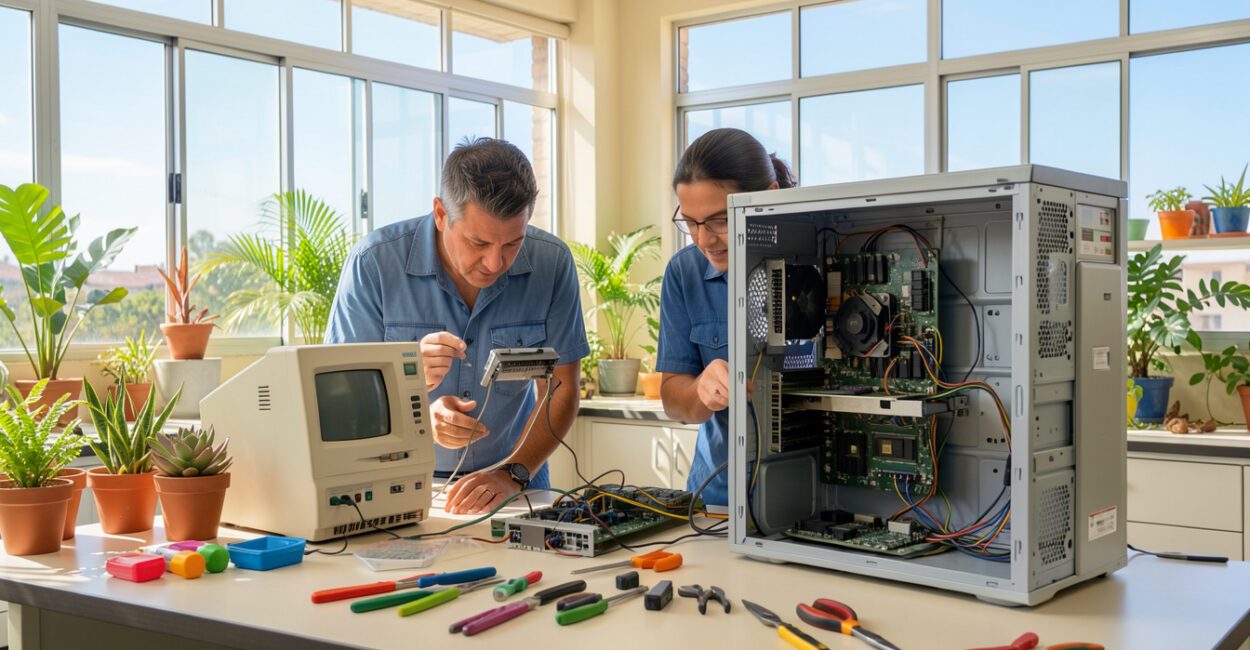
The computer sitting on a desk today has a history tied to machines that once filled entire rooms. Microcomputers brought computing to businesses, schools, and homes by combining a microprocessor with components that were more accessible in cost and size.
This category includes PCs, laptops, and some compact systems, but size alone is not enough to define a microcomputer.

To identify one, look at its architecture and what it can do: run general-purpose programs, with its central processing handled by a microprocessor. This distinction helps explain both the first personal computers and today’s mini PCs and prototyping boards.
At a glance
- Definition: A general-purpose computer with a CPU based on a microprocessor.
- Examples: Desktop computers, laptops, and some single-board computers.
- Central component: The microprocessor, which executes instructions and coordinates operations.
- Classification criterion: Architecture and purpose, not just physical dimensions.
- Uses: Work, study, home activities, automation, and prototyping.
What Microcomputers Are and How to Identify Them
A microcomputer is a general-purpose computer whose central processing unit is implemented in a microprocessor—that is, an integrated circuit that executes instructions. In everyday terms, it is a machine that can run a variety of programs for one user or a local group without relying on a large central system for every task. PCs and laptops are familiar examples; compact boards can also fit the category when they offer this general-purpose capability. The term is not synonymous with “small device.” A machine controller may be compact but designed for a specific function, such as regulating temperature or starting a motor. A single-board computer, on the other hand, can run an operating system, accept different applications, and handle multiple tasks, despite being small enough to fit in the palm of your hand.
Among the devices that may be classified this way are:
- general-purpose desktop computers and laptops;
- mini PCs for office tasks, media, or specialized applications;
- boards such as the Raspberry Pi, depending on the system and how it is configured;
- compact workstations that run local work applications.
The ability to handle general-purpose tasks using a microprocessor defines the category more accurately than a device’s size.
When Computers Emerged and How Microcomputers Came About
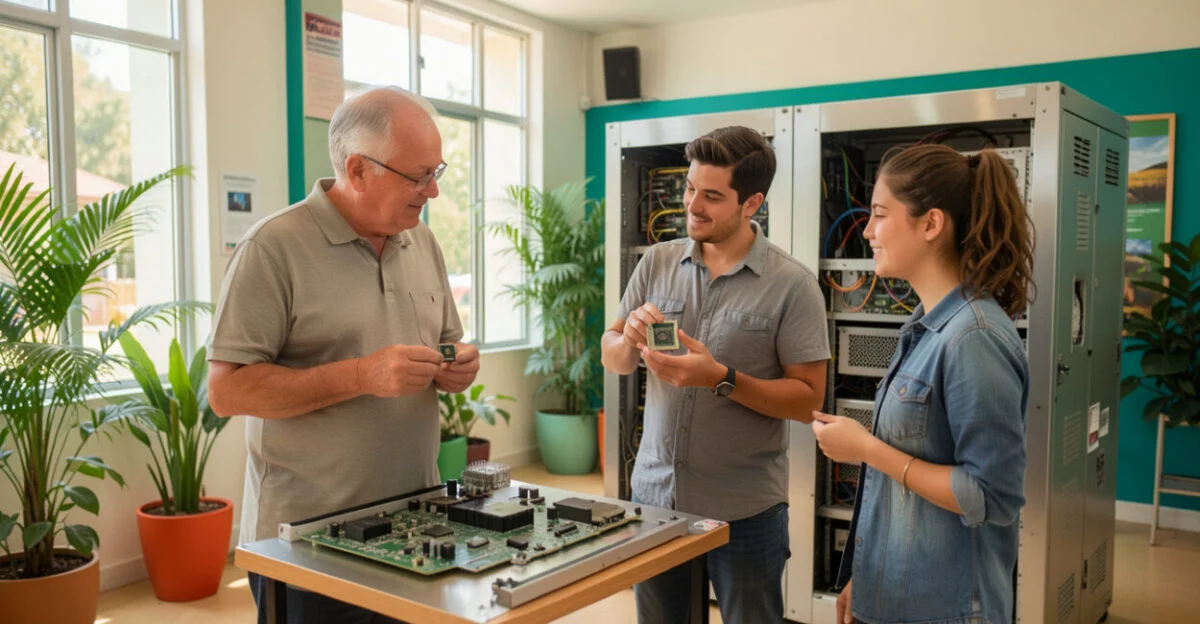
There is no single date for the emergence of computers: the answer depends on whether you count mechanical machines, electronic computers, or general-purpose programmable systems. Throughout the 20th century, electronic computers occupied large facilities and handled scientific, military, and administrative tasks.
Computing already existed; the challenge was to reduce its cost and complexity so that a machine could serve one person, a small team, or a department.
The shift gained momentum with the microprocessor, which brought core processing functions once assembled from multiple components together on a single integrated circuit. The Intel 4004 is a milestone in this history.
Intel’s history covers the company’s development and its processors; the Computer History Museum also documents the evolution of early microprocessors and personal computers.
The Apollo Guidance Computer shows that integrated circuits were already being used in specialized systems before PCs became widespread. NASA describes the role of the Apollo Guidance Computer in mission navigation and control. Later, microcomputers designed for the public expanded access to programming and home computing. The spread of graphical interfaces made many tasks more accessible, without requiring every user to interact directly with text commands.
Personal computing became viable when processing no longer depended exclusively on expensive, shared facilities. This transition transformed technology’s industrial history and paved the way for new uses at home, at work, and in education.
The microprocessor brought computing power closer to users by concentrating processing functions in an integrated component.
Read also: Voice Acting and AI: A Voice Revolution and Ethical Challenges in the Industry
How a Microcomputer Works: Processor, Memory, and Peripherals

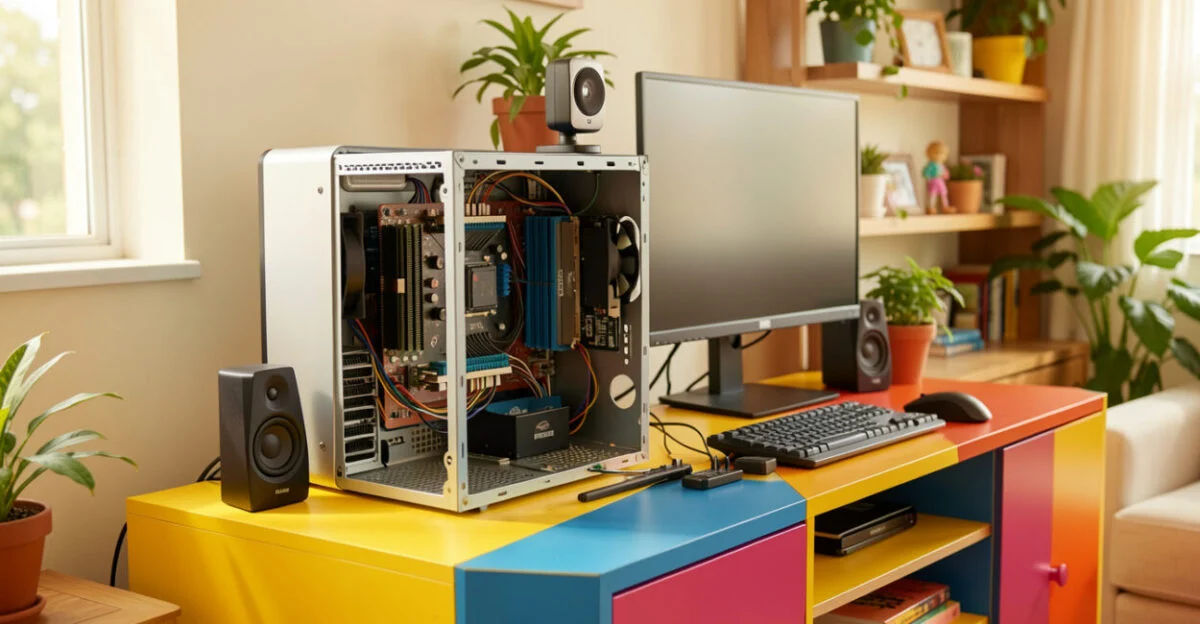
The processor executes instructions, while RAM temporarily holds the data and programs in use. Storage, whether an SSD or another type of drive, keeps files and applications even when the computer is turned off. These components work together; replacing one with another won’t solve every performance bottleneck.
Input devices, such as a keyboard, mouse, camera, and microphone, let you interact with the machine. Output devices include a monitor, speaker, and printer. These are peripherals, not necessarily internal computer components. Depending on the model, the computer can communicate with networks and other devices through wired or wireless connections.
One useful framework is the four types of hardware taught in introductory courses: processing, storage, input, and output. Some approaches distinguish memory from storage or treat communication as a fifth category, so check which classification your course or material uses. For learning the basics of computer fundamentals, this breakdown helps identify the function of each component.
Microcomputers, PCs, Mini PCs, and Other Systems: What’s the Difference?
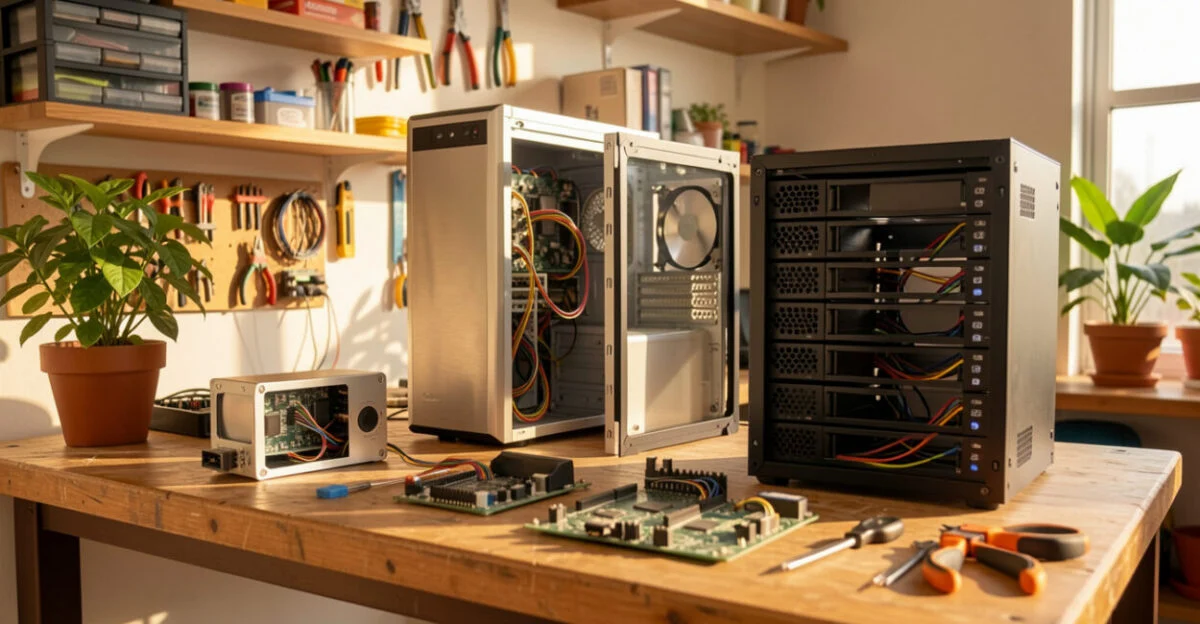
“Microcomputer” describes a broad category; “PC” usually refers to a personal computer, though its meaning varies by context and operating system. A PC can be a microcomputer, but not every device based on a microprocessor is a general-purpose PC. Servers and mainframes, in turn, are designed for different workloads and numbers of users, even though they also use integrated processors.
Device Typical purpose Capabilities and example PC or laptop Personal and professional use Runs a range of applications, such as a browser, word processor, and work tools. Mini PC General-purpose computing in a compact form Can replace a desktop for some tasks; performance varies by processor, memory, and cooling. Single-board computer Education, prototyping, and local projects Can run an operating system and programs, depending on the model and configuration. Embedded controller A defined function in a product or machine Performs specific tasks, such as reading sensors or controlling a motor. Server or mainframe Shared services and centralized workloads Supports applications and users at a different scale than a personal computer.
On a production line, for example, a controller can receive a signal from a sensor and adjust a machine step. It is a computer in the broad sense, but that does not automatically make it a general-purpose microcomputer: its function and software were designed for that specific task.
Where Microcomputers Are Used and What a Computer Technician Does
At home, these computers are used for communication, entertainment, and organizing files. At work, they run office applications, creative tools, and business systems. In schools, they can support programming and educational activities; in automation and prototyping, compact boards help test sensors and control devices.
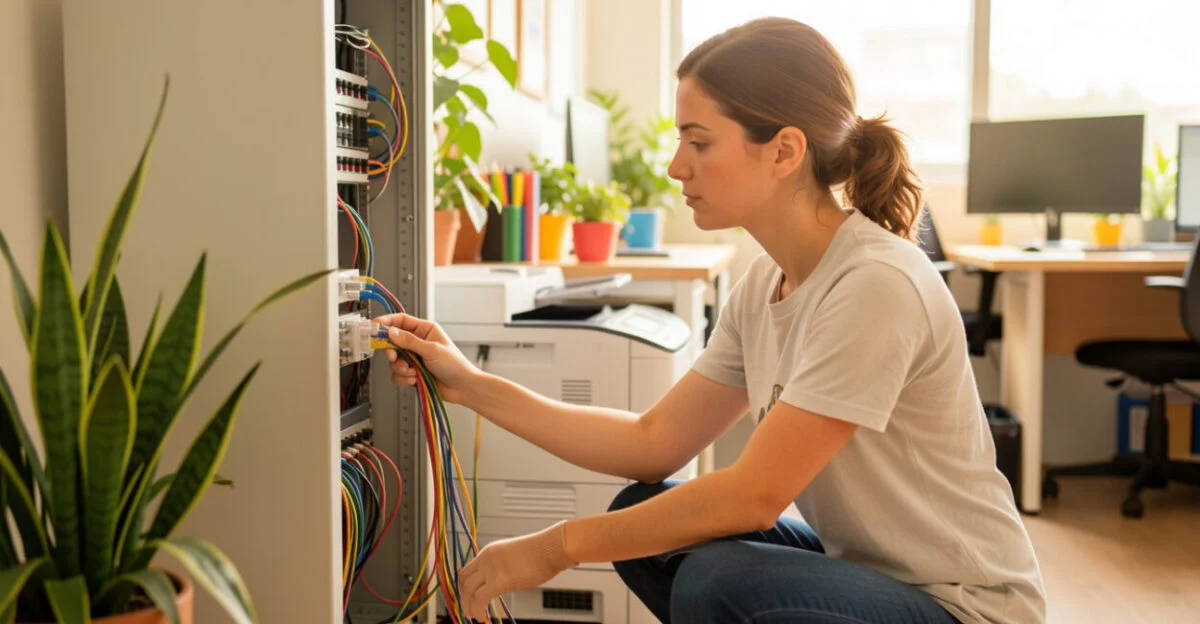
A computer technician installs and configures computers, diagnoses hardware or software problems, and performs maintenance. The job may also involve setting up user accounts, local networks, printers, and backups. It requires distinguishing between similar symptoms: for example, a slow computer may be caused by low disk space, insufficient memory for the task, or programs that launch at startup—not necessarily a faulty processor.
When performance is the issue, checking memory, storage, and processor usage before buying parts can prevent unnecessary replacements. There are practical tips for speeding up your computer; for anyone working in tech from home, connection stability and software compatibility also factor into the choice.
How to Choose a Microcomputer for Work or Study
Start with the tasks you need to run at the same time. Browsing, video calls, and documents generally require fewer resources than video editing, modeling, or analyzing large datasets. To find a good, affordable computer, compare the full configuration and how easy it is to maintain rather than deciding based only on price or processor name.
Look at RAM, storage type and capacity, ports, connectivity, operating system, and warranty. An SSD generally makes startup and file opening faster than a hard drive, but it won’t make up for too little memory for your intended use. For mini PCs, also check ventilation, upgrade options, and parts availability; the compact form factor can limit these options.
Tip
Before comparing models, make a list of the programs you use and check their manufacturers’ recommended requirements. If you work with large files or keep many applications open, prioritize sufficient memory and storage before paying for graphics features you won’t use.
There is no permanent answer to the question of which mini PC is the most powerful: models and configurations change, and results depend on the task, cooling, and power limits. Compare recent benchmarks for the applications you care about, using models in a similar power and size range. Without a date and a performance criterion, any ranking could lead you to make the wrong purchase.
Example: Choosing a Work Computer
Someone who switches between video calls, spreadsheets, and a browser should check whether the computer meets those programs’ requirements and can handle several windows open at once. If they also need to carry it around, a laptop may be more practical than a mini PC, which requires a monitor and peripherals. If the computer will stay in one place, compare the cost of the complete setup, not just the system unit.
Next Steps for Identifying or Evaluating a Device
To classify a machine, check whether it runs a variety of applications, what role the microprocessor plays, and whether the system is designed for general use or a single, fixed task. To shop for one, turn your routine into specific requirements and compare configurations that meet them. If you’re studying software development, you can build your knowledge of systems, systems analysis, and systems development.
For an introduction to programming and computer science, Khan Academy offers beginner-friendly content. If you’re preparing for public service exams in Brazil, you can use this foundation to organize your study of computer fundamentals and communication, based on the exam requirements.
Frequently Asked Questions
Do “microcomputer” and “microcomputadora” mean the same thing?
In Portuguese, “microcomputador” is the usual term for this category. “Microcomputers” and “micro computer” appear in English, while “microcalculatoare” may show up in searches in other languages; these terms do not, by themselves, indicate a different technical category.
Is a cell phone also a microcomputer?
A smartphone has a processor, memory, storage, and runs applications, so it shares some characteristics with a computer. In everyday usage, however, “microcomputer” usually refers to PCs, laptops, and compact general-purpose systems; the classification depends on the technical context.
Can a mini PC replace a desktop computer?
Yes, if it offers the performance, connections, and expandability needed for the intended tasks. For demanding games or applications that rely on extensive cooling and expansion cards, a conventional desktop may be a better fit; compare the model’s specifications, not just its form factor.
Artigos Relacionados
 Dietitian: What They Do, When to See One, and Their Role in Health
 Microprocessors: History, Manufacturing, and the Future of Microchips
 Paid Traffic Manager: A Complete Guide to This Essential Digital Marketing Career
 Data Scientist: A Complete Guide to Building a Successful Career
 Computer Scientist: A Complete Guide to Your Career and Future
 Systems Analyst: A Complete Guide to the Modern Profession
