
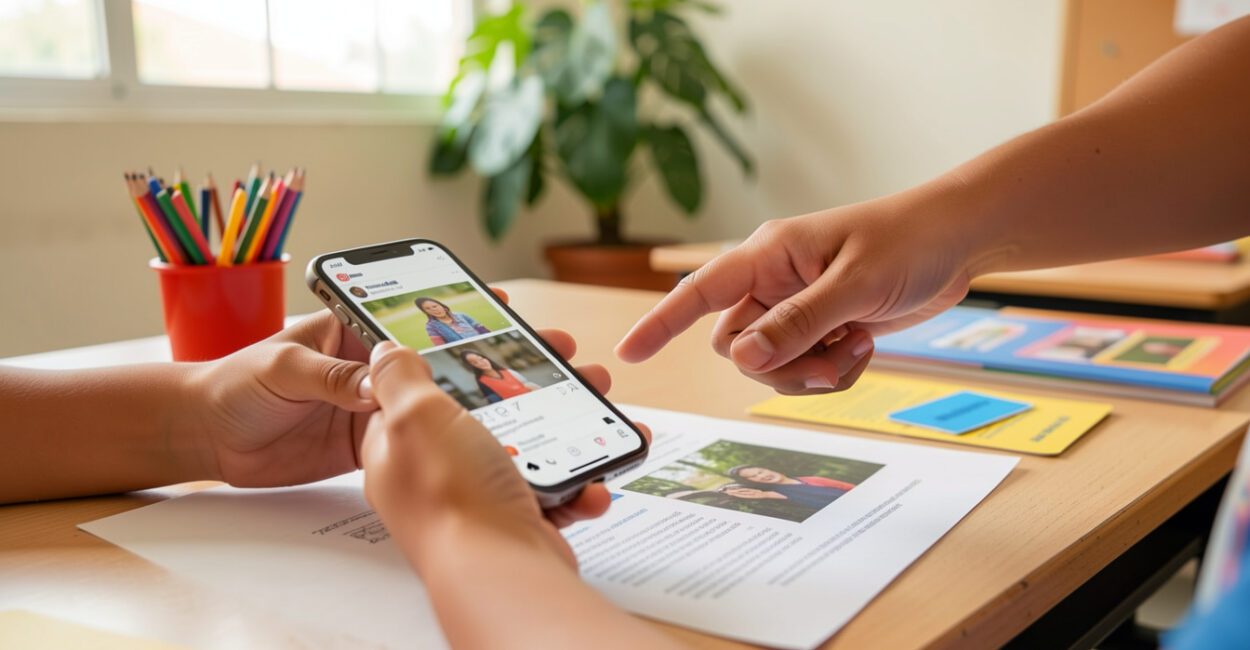
A student can browse videos, messages, and social media every day and still fail to notice when an old news story is being shared as if it were current. Digital literacy brings together practices for interpreting, evaluating, creating, and sharing content in digital environments with autonomy and responsibility.
At school, digital literacy comes into play when students check a source, choose how to communicate an idea, and think before sharing personal information.

Teaching these practices doesn’t depend on having one screen for every student. A printed activity can also teach source analysis, as long as the teacher makes the expected reasoning explicit and asks for evidence of learning.
Before planning an activity
- Define the skill students should practice, such as comparing sources or revising a message.
- Consider what access is available: individual devices, a shared device, printed materials, or no internet-connected resources.
- Choose observable evidence, such as a written explanation, a revised version, or a list of criteria.
- Decide which privacy and copyright practices students need to learn.
Digital literacy: meaning and key distinctions
Digital literacy is the set of reading, writing, interpretation, creation, and interaction practices used in digital environments, taking into account formats, social contexts, and the consequences of people’s actions. In everyday terms, it means understanding a message, evaluating where it came from, and deciding whether, how, and with whom to share it.
Digital literacy instruction often refers to learning the basic operations and knowledge needed to use devices and services, such as opening a file or finding a feature. Digital literacy proficiency refers to demonstrated command of these skills, although how the term is used varies among authors and contexts. Digital literacy also considers social purpose: knowing how to use a tool doesn’t guarantee that someone can evaluate information or create a message suited to its audience. Digital inclusion concerns the conditions needed for access and participation, such as an internet connection, a device, accessibility, and support. These conditions foster learning, but they don’t replace it. Someone can have internet access but little practice thinking critically; another person can develop analysis strategies using print newspapers and offline activities.
A well-founded digital choice leaves a trail: the source consulted, the reason for the decision, and consideration for those who may be affected.
The skills taught may include finding and evaluating information, communication, content creation, safety, privacy, and citizenship. UNESCO organizes digital skills into areas that include information, communication, creation, safety, and problem-solving; the right selection depends on students’ age, context, and learning goals.

What Brazil’s BNCC says about digital culture
Brazil’s National Common Core Curriculum (BNCC), established by the Ministry of Education, includes digital culture among the general competencies for Basic Education. The guidance calls for understanding, using, and creating digital information and communication technologies in a critical, meaningful, reflective, and ethical way across different social settings, including school.
This doesn’t mean every class needs to use an app. The learning goal should guide the choice of resource: if students are learning to evaluate evidence, comparing printed texts may be more appropriate than an online activity that doesn’t involve analysis. Teachers can also connect digital culture to the curriculum in each subject rather than treating it as a standalone topic.
Paulo Freire did not develop a theory of digital literacy. In The Importance of the Act of Reading, his reflections on reading the word in relation to reading the world can help us think about the critical interpretation of messages and contexts. This is a pedagogical application of his ideas, not an attribution of digital concepts to the author.
Digital skills students can demonstrate

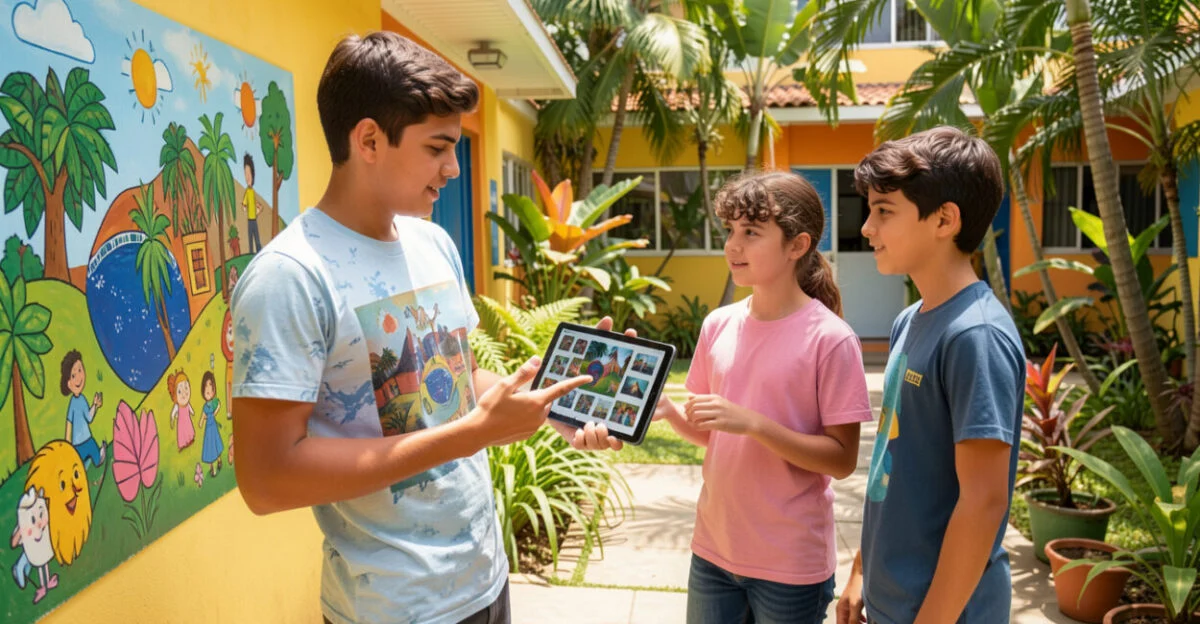
A skill becomes clearer when teachers define what they can observe. “Research online” is a broad instruction; “identify who published it, when, and what evidence it is based on” turns research into an assessable task.
Read also: Digital Inclusion for Students with Disabilities
- Find and evaluate information: choose search terms, identify the author, check the date, and compare claims with other sources.
- Communicate: adapt language and format to the audience, respond respectfully, and understand that a post can circulate beyond its original group. Communication in digital environments also requires attention to context and how a message may be interpreted.
- Create content: produce a text, presentation, audio recording, or image, citing materials consulted and respecting copyright.
- Protect data and well-being: recognize requests for personal information, make privacy choices, and assess risks before posting.
- Participate responsibly: consider the impact of comments and shares and look for ways to correct inaccurate information.
A lack of digital literacy may show up when someone shares an alarming claim without checking its origin, mistakes advertising for independent information, or shares personal data without understanding how it will be used. The problem isn’t limited to a lack of technical knowledge: it may also involve rushing, trusting the person who sent the message too much, or lacking access to reliable sources.
How to bring digital culture into different subjects
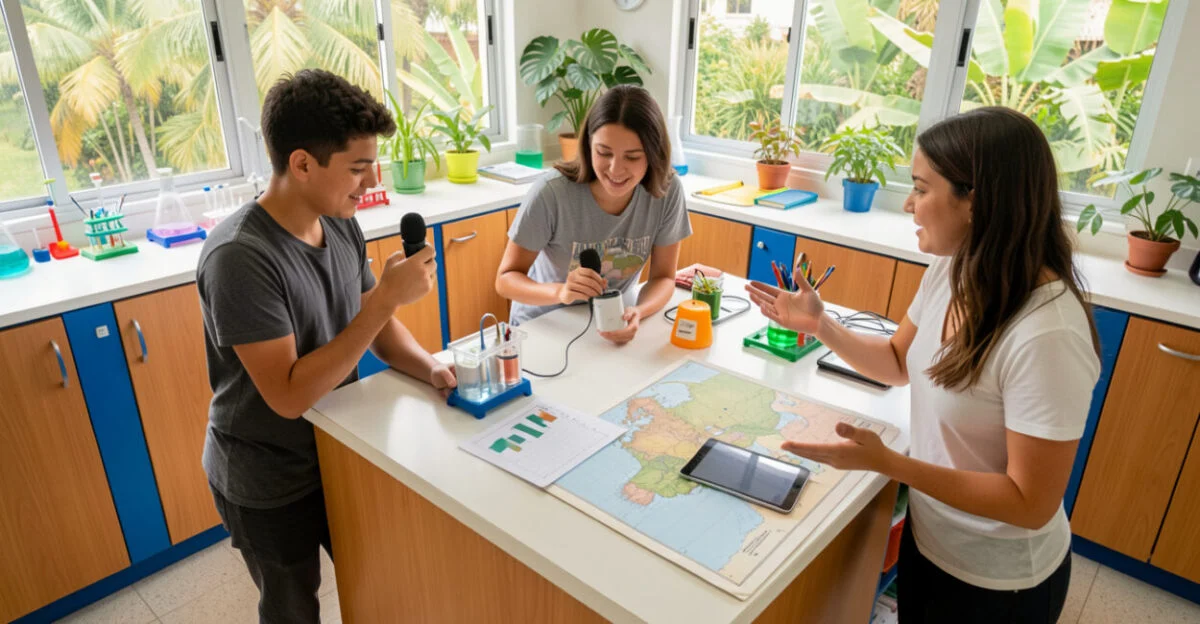
An activity is more effective when the skill, task, and evidence align. The table below offers examples that can be adapted to students’ ages and the content being taught.
Skill Activity Evidence of learning Evaluating information Compare two posts about a science topic and identify the author, date, and evidence. The student explains which post is better suited to answer the question and points out its limitations. Communication Explain a history concept to two audiences, such as classmates and younger students. The text or audio adjusts vocabulary and level of detail to the intended audience. Creation and authorship Create a math presentation using data from assigned materials. The work identifies its sources and distinguishes between data consulted and the student’s own interpretations. Privacy and citizenship Analyze a fictional form and decide which fields are necessary for a stated purpose. The student explains why they would or wouldn’t provide each piece of information.
For example, when studying health topics, students can compare the date and origin of guidance before using a post as a reference. A health-related resource can help illustrate that a commercial search and clinical guidance have different purposes; individual decisions require appropriate sources and, when necessary, qualified professionals.
How to get started at school with limited resources
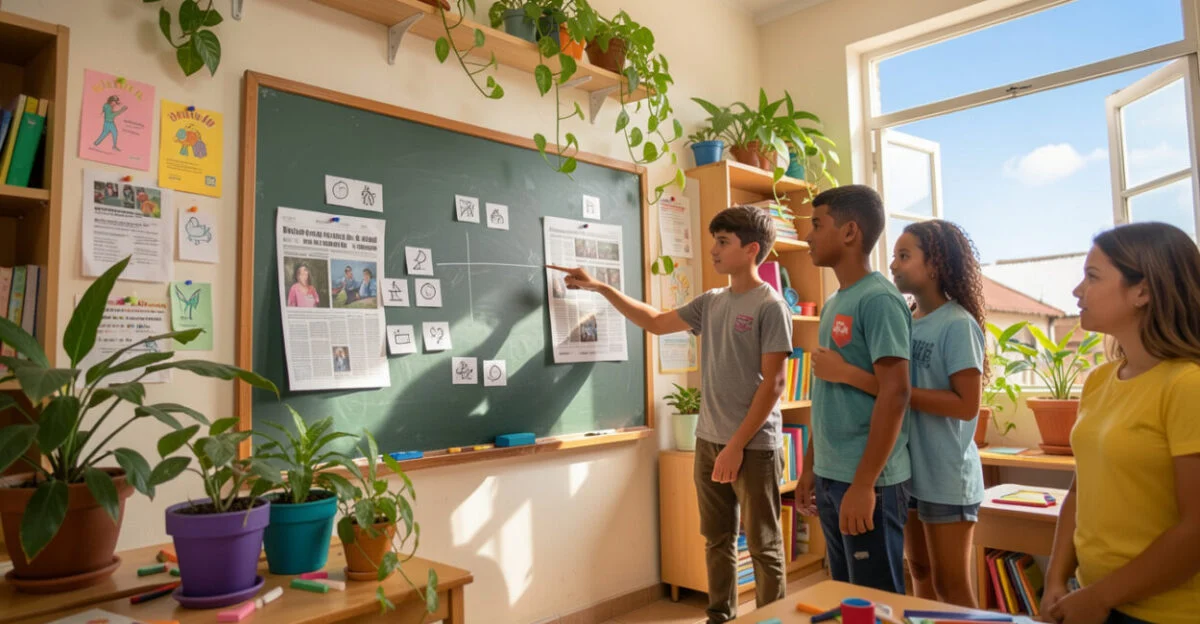
Start with a situation that feels familiar to the class, such as an alarming caption paired with an image or an ad that looks like a news story. Print two versions, project them for the class, or read the texts aloud. The key is to ask students to explain how they made their decision, rather than simply pointing out which message seems true.
If the group has one device, assign roles: one person records the author, another checks the date, and another compares the content with an additional source. Without internet access, use materials selected in advance by the teacher or cards with information about authorship, date, and context. The activity can still teach verification criteria, although it doesn’t replace the experience of searching for online sources.
Tip
Before class, check whether the materials have identifiable authors and dates. If information is missing, make that gap part of the analysis instead of presenting it as an irrelevant detail.
A common mistake is assessing how quickly a student finds an answer. That rewards the first result, not the quality of the investigation. To avoid this, ask for a brief explanation: “What information helped you trust this source?” or “What still needs to be confirmed?”
- Map conditions and habits: check access to devices and internet, but also ask how students search, share, and handle questions.
- Define an observable learning outcome: for example, “compare two sources and explain which provides more appropriate evidence.”
- Choose the simplest resource that meets the goal: this might be a browser, a shared document, or a collection of pages selected by the teacher.
- Plan alternatives: allow students to work in pairs, use stations, or use printed versions if they don’t have a device or internet access at home.
- Collect evidence: save drafts, sources consulted, and explanations to guide the next activity.
How teachers track progress and guide AI use
Teachers define the activity’s purpose, select or evaluate the materials, and make the quality criteria clear. They also need to consider whether the task is accessible to students with different levels of internet access, reading ability, vision, hearing, or familiarity with technology. Ongoing professional development can support this work; courses on educational technology are most useful when they connect tools to goals, risks, and ways to assess learning.
Artificial intelligence tools can produce incomplete or incorrect answers and don’t replace source verification. If a tool is used in an activity, students should know it played a role, verify important claims, and follow school rules about data and authorship. Discussions about artificial intelligence in education need to consider both its educational uses and its limitations.
To track progress, save initial and revised versions of students’ work or use a simple rubric: identifies the source, explains the choice, cites materials, and protects personal information. Data protection requires special attention when a platform requests students’ names, images, or other information. Consult the guidance from Brazil’s National Data Protection Authority (ANPD) and the rules that apply to your institution.
Learning is evident when students can explain the process they followed, not just turn in a finished answer.
Any rubric has limitations: performance depends on students’ age, the topic, the accessibility of the materials, and opportunities to practice. Difficulty evaluating a source doesn’t, by itself, prove a lack of ability; it may mean the text was too complex or the task didn’t teach the necessary criteria.
Next steps for planning a short activity
Choose one skill and a classroom scenario, such as comparing two posts about the topic the class is studying. Define concrete evidence, such as an explanation that mentions authorship, date, and confirmation from another source. At the end, ask students to revisit a decision or point out what they still couldn’t verify.
To prepare, consult the BNCC and reference materials on digital skills, such as UNESCO’s digital literacy framework. If the activity involves personal data, check the ANPD guidance and school policies. Whether or not the activity uses the internet, its format should support the skill you want to teach.
Frequently Asked Questions
What’s the difference between digital literacy and digital literacy proficiency?
Digital literacy proficiency usually refers to command of the skills needed to use digital resources, although the definition varies by source. Digital literacy also considers how people read, create, and participate in social situations mediated by technology.
Is there an exact synonym for digital literacy?
There’s no synonym that captures every nuance. “Digital competence” is a related term, but it may emphasize skills and knowledge without giving as much attention to the social uses of reading and writing.
How can you discuss copyright in a school activity?
Ask students to record where the images, texts, and data in their work came from. Explain that finding something online doesn’t mean it’s free to reuse in any way; permissions depend on the license and terms of use.
What does digital literacy look like in practice for a class without internet access?
Students can still analyze authorship, date, intent, and evidence in printed materials or resources prepared by the teacher. The limitation is that they won’t practice searching in real time; that skill can be taught when access is available or at another stage.
How do you choose a digital literacy course?
Check whether the course outlines its goals, includes hands-on activities and assessment criteria, and identifies who offers it. For a specific professional need, compare the curriculum with the tasks the person actually needs to perform, including courses advertised as digital literacy training by SENAI, Brazil’s National Service for Industrial Training.
Artigos Relacionados
 Digital Marketing Manager: The Complete Guide to Mastering the Role
 Boost Your Online Side Income: A Complete Guide to Digital Success
 Online Monetization: A Complete Guide to Building Your Digital Empire
 Financial Literacy for Young People: A Complete Guide to Building a Secure Future
 Paid Traffic Manager: A Complete Guide to This Essential Digital Marketing Career
 Digital Influencer: The Complete Guide to Building a Successful Online Career
